1
DolphinC2_GBzen_F_pre_FM.book Page 25 Wednesday, February 2, 2005 11:44 AM
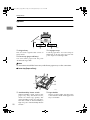
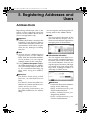
Control Panel
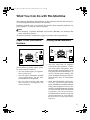
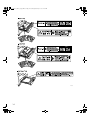
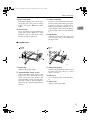
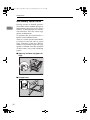
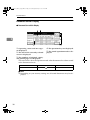
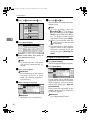
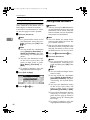
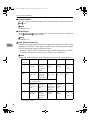
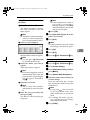
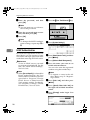
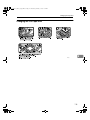
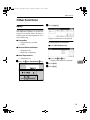
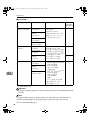
❖ When the cut paper trays are installed
1
Common Key Operations
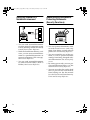
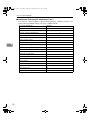
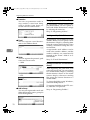
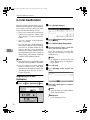
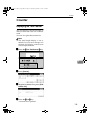
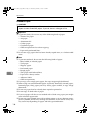
The following keys are common to all screens:
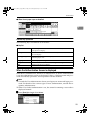
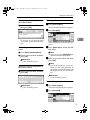
❖ Key list
[OK]
Acknowledges a selected function or entered values, and then returns
to the previous display.
[Cancel]
Deletes a selected function or entered values, and then returns to the
previous display.
[U
UPrev.] [T
TNext]
Moves to the previous or next display when all items cannot be shown
on the display at once.
[OK] [Yes]
Closes displayed messages.
[Clear]
Clears entered values and does not change the settings.
[Exit]
Returns to the previous display.
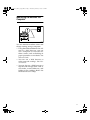
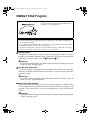
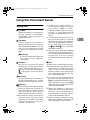
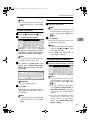
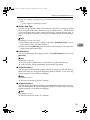
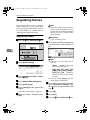
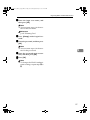
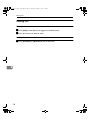
When the Authentication Screen is displayed
When Basic Authentication, Windows Authentication, or LDAP Authentication
is set, the authentication screen is displayed. Unless a valid user name and password are entered, operations are not possible with the machine.
Note
❒ Consult the User Administrator about your login user name and login password. For details of the various types of user authentication, consult the respective administrators.
❒ When User Code Authentication is set, the screen for entering a user code is
displayed instead.
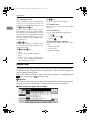
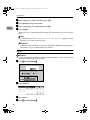
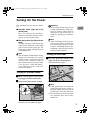
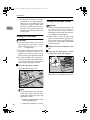
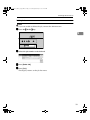
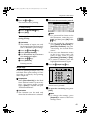
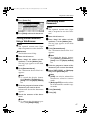
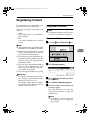
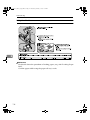
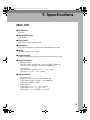
A Press [Enter] for Login User Name.
25