1
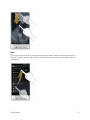
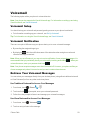
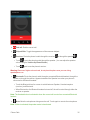
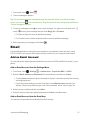
 2. Touch a message to review it.
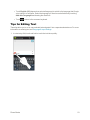
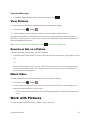
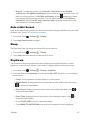
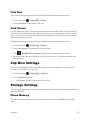
Tip: There are several icons at the bottom of the review screen for maintenance, storage, messaging, and other options. For an explanation of all your options, touch Voicemail Menu > Visual Voicemail Menu.
> Help > Visual
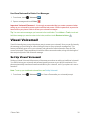
Listen to Multiple Voicemail Messages
When you are done listening to a voicemail message you can easily access other voicemail messages without returning to the main voicemail screen.
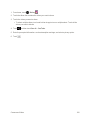
1. Listen to the current voicemail message.
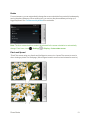
2. Swipe your finger left or right to display the next or previous message.
You can navigate through voicemail messages as frequently as you’d like. You can even move to the next or previous message before you’re finished listening to the current one.
Visual Voicemail Options
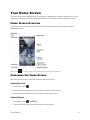
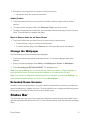
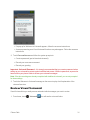
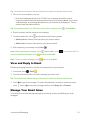
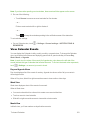
Your visual voicemail options appear as icons at the bottom of the voicemail review screen.
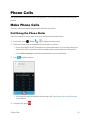
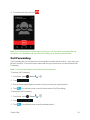
1. From home, touch > Voicemail .
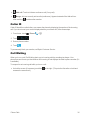
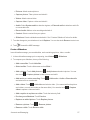
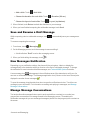
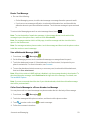
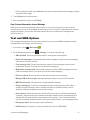
2. Touch a message to review it. The following options are available while reviewing a voicemail message:
l
Call to call the number the message came from.
l
Share to send the message via Bluetooth, Gmail, etc.
Phone Calls
32