1
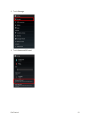
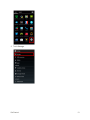
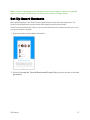
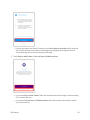
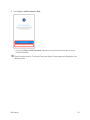
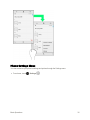
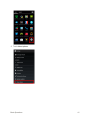
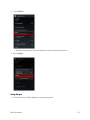
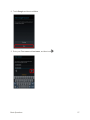
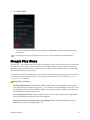
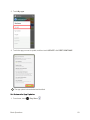
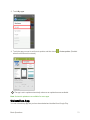
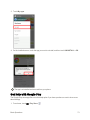
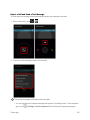
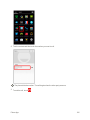
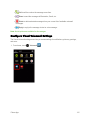
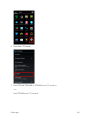
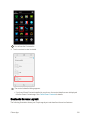
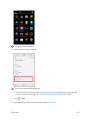
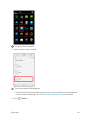
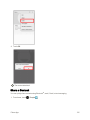
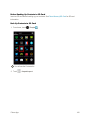
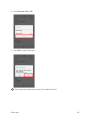
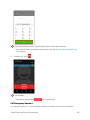
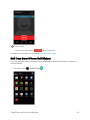
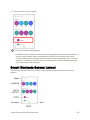
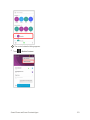
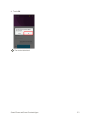
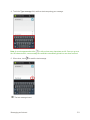
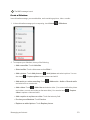
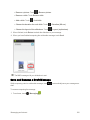
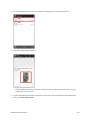
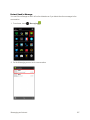
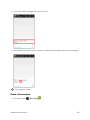
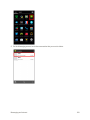
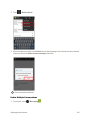
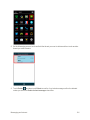
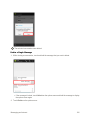
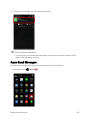
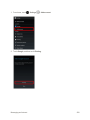
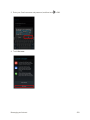
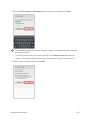
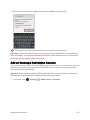
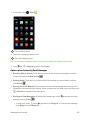
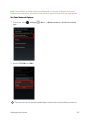
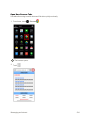
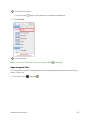
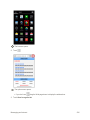
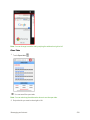
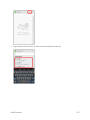
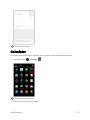
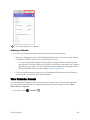
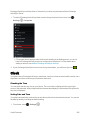
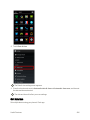
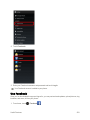
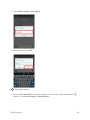
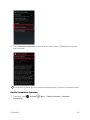
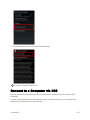
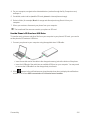
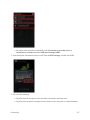
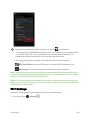
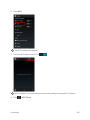
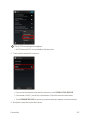
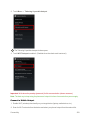
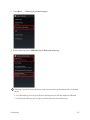
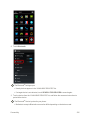
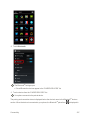
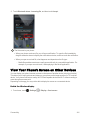
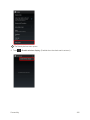
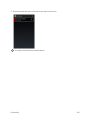
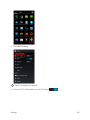
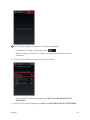
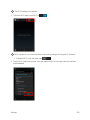
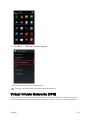
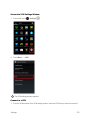
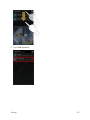
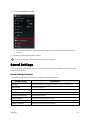
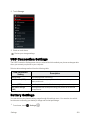
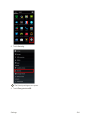
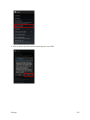
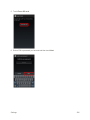
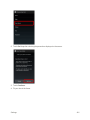
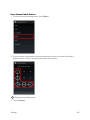
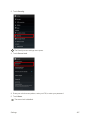
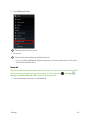
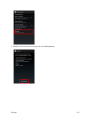
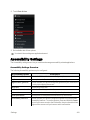
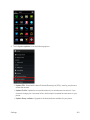
 5. Touch Erase everything.
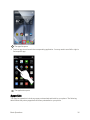
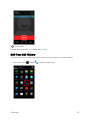
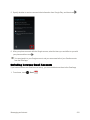
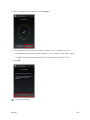
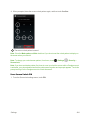
All data on the SD card is erased, and the card is formatted and mounted for use on your phone.
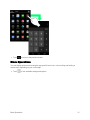
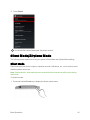
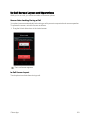
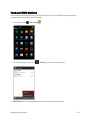
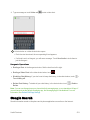
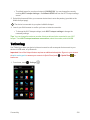
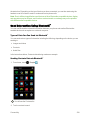
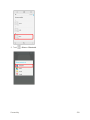
Charge the Battery
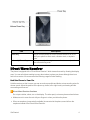
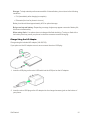
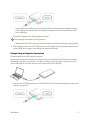
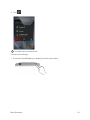
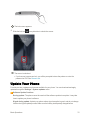
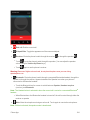
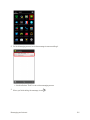
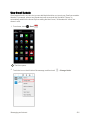
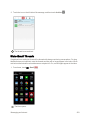
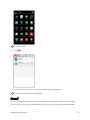
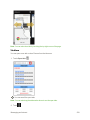
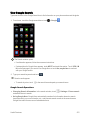
Follow these instructions to charge your phone’s battery using either the included AC adapter or via a USB connection on your computer.
The battery is built into the phone.
If your phone or the AC adapter is wet, never connect the micro USB plug. May cause fire, malfunction, or burns due to electric shock or short-circuiting. Always dry before use.
Troubleshooting
Question: LED blinks during charging.
Answer: Battery is not being charged. Charge with specified AC adapter.
Question: Cannot charge while abroad.
Answer: The company is not responsible for any trouble with charging while abroad.
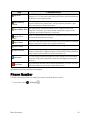
Battery Cautions
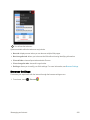
Handling cables: Do not pull or twist cables forcefully. Doing so may break wires.
When charging by USB: When your phone and a computer are connected by the micro USB cable for computer, your phone may turn on automatically. Do not connect your phone and a computer where use is prohibited, such as on airplanes and in hospitals.
Get Started
15