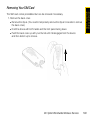
1
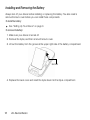
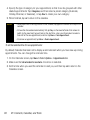
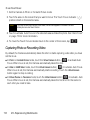
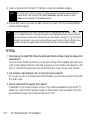
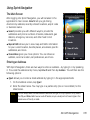
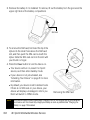
2. Remove the battery if it is installed. To remove, lift out the battery from the groove at the
upper right side of the battery compartment.
Groove
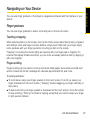
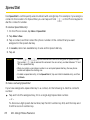
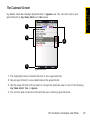
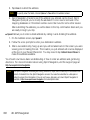
3. To remove the SIM card, first insert the tip of the
stylus into the small hole above the SIM card
slot, and then push the SIM card out with the
stylus. Slide the SIM card out from the slot with
your thumb or finger.
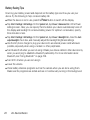
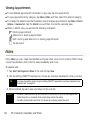
4. Press the Power button to turn the device on.
䡲 Your device will turn on, search for Sprint
service, and then enter standby mode.
䡲 If your device is not yet activated, see
“Activating Your Device” on page 5 for more
information.
䡲 By default, your device is set to Global mode.
If there is no SIM card on your device, your
device will display a message to inform you
that it will switch to CDMA mode.
Note
184
Removing the SIM Card
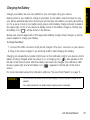
Your device’s battery should have enough charge to turn on, find a signal, set up your voicemail,
and make a call. You should fully charge your battery as soon as possible. See “Charging the
Battery” on page 19 for details.
3E. Sprint Worldwide Wireless Service