1
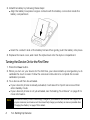
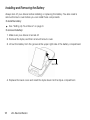
Installing the Battery
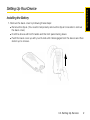
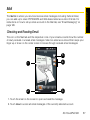
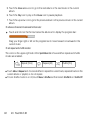
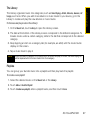
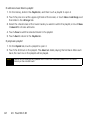
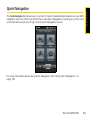
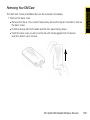
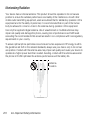
1. Remove the back cover by following these steps:
䡲 Remove the stylus. (You need to temporarily remove the stylus to be able to remove
the back cover.)
䡲 Hold the device with both hands and the front panel facing down.
䡲 Push the back cover up with your thumb until it disengages from the device and then
slide it up to remove.
1A. Setting Up Service
3
Setting Up Service
Setting Up Your Device