1
Basic functions
Step by step
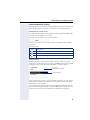
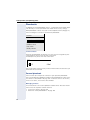
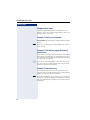
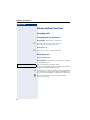
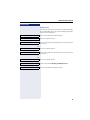
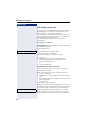
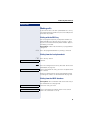
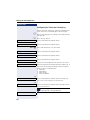
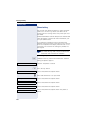
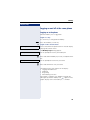
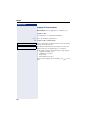
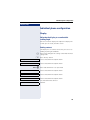
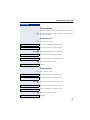
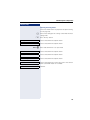
Assigning a destination phone number to a call
forwarding type
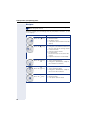
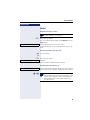
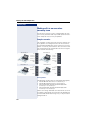
r Press the key shown.
The pop-up menu opens:
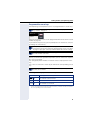
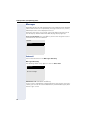
Edit call forwarding
Select and confirm the option shown.
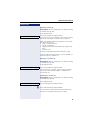
An overview of call forwarding settings appears.
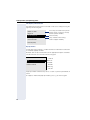
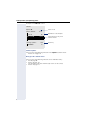
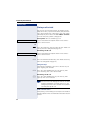
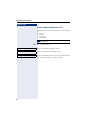
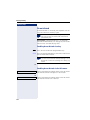
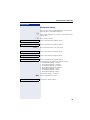
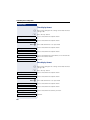
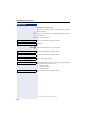
Destination
Select the destination option for one of the following
forwarding types:
• All calls
• Busy
• No reply
Confirm the destination selected.
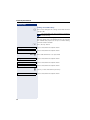
08972228596
Select and confirm a destination number from the list.
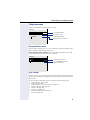
Save & Exit
Select and confirm the option shown.
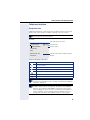
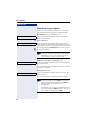
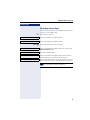
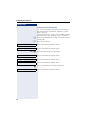
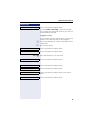
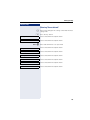
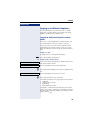
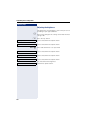
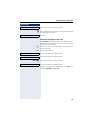
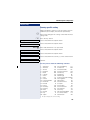
Defining the ring duration before call forwarding on
no reply
You can define how often the phone should ring before
the "No reply" form of call forwarding activates.
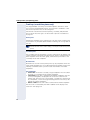
This setting is only available if the "Server features" function was deactivated by the service
personnel.
z You can also configure this setting via the Web interface
Æ page 195.
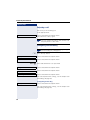
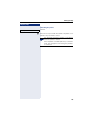
Prerequisite: The phone is idle.
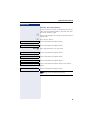
r Press the key shown.
The pop-up menu opens:
Edit call forwarding
Select and confirm the option shown.
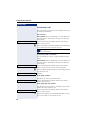
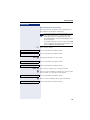
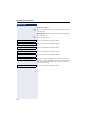
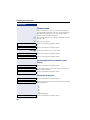
An overview of call forwarding settings appears.
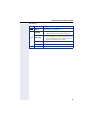
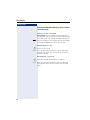
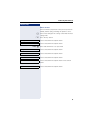
Duration
Select and confirm the option shown.
j Enter a value for the duration.
Save & Exit
62
Select and confirm the option shown.