1
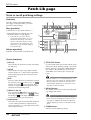
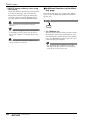
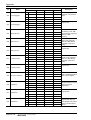
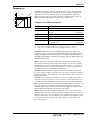
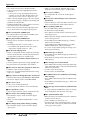
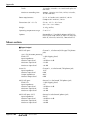
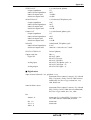
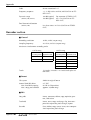
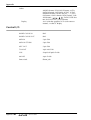
SAMP. PAD screen
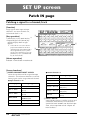
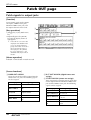
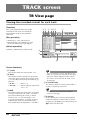
CD Import page
Assign CD-DA to a sampling pad
[Function]
2
Import CD-DA (CD audio) audio data from
an audio CD/mixed-mode CD-ROM
inserted in an internal or external CD-RW
drive, and assign it to a sampling pad.
[Key operation]
• Sampling pad section [EDIT] pad → [F2]
(CD Import) key
• Repeatedly press the [EDIT] key until the
screen shown at the right appears.
1
[Mouse operation]
M button → SAMP.PAD EDIT button → CD
Import tab
3
4
5
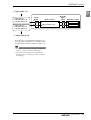
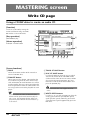
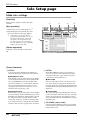
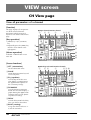
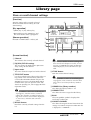
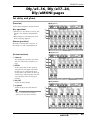
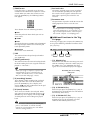
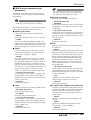
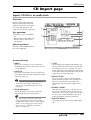
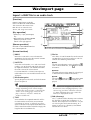
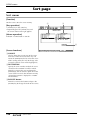
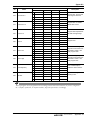
[Screen functions]
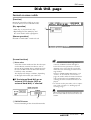
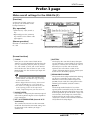
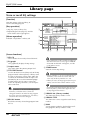
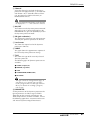
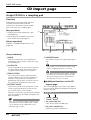
A DRIVE
E EXECUTE button
Move the cursor to this area and rotate the
[DATA/JOG] dial to select the internal or external CD-RW drive.
B ASSIGN TO
Select the pad to which you wish to assign CDDA data. Pads to which no sample has been
assigned will be displayed as “-NO ASN-”.
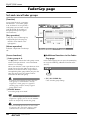
C TRACK/TOTAL
This is the track list of the audio CD/mixedmode CD-ROM inserted in the CD-RW drive.
Move the cursor to this list, and rotate the
[DATA/JOG] dial to select a track. The value at
the right shows the total time of that track.
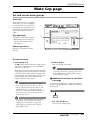
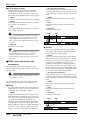
D EXTRACT POINT
Select the area of the track specified in 3 that
will be assigned to the pad, in units of “minutes:seconds:frames (1/75 seconds).”
Move the cursor to this area and use the [DATA/
JOG] dial to specify the START (start point) and
END (end point).
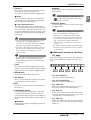
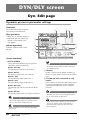
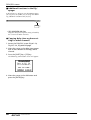
This button executes the sample import operation.
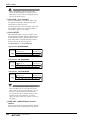
CD-DA data can be imported only for songs
whose sampling frequency is 44.1 kHz.
Execution of this operation requires a longer
time than the actual time length of the data.
Also, processing cannot be cancelled once
the operation has been executed.
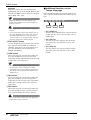
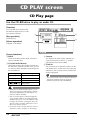
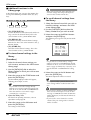
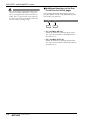
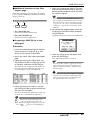
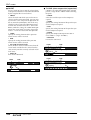
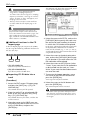
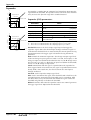
■ Additional functions in the CD
Import page
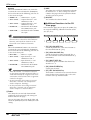
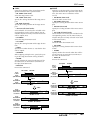
In the CD Import page you can press the [SHIFT]
key to assign the following additional functions to
the [F1]–[F2] keys.
F1
Tip!
Later, you can trim the sample assigned to the
pad to make even finer adjustments. Samples
can be trimmed in the SAMP. PAD screen
PAD Edit page (→ P.86).
F2
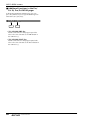
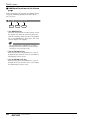
• [F1] (CD LOAD) key
Close the tray of the CD-RW drive.
• [F2] (CD UNLOAD) key
Eject the tray of the CD-RW drive.
82
— Reference Guide