1
Imaging Modalities
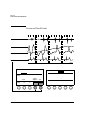
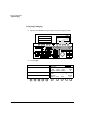
Color Imaging
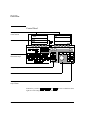
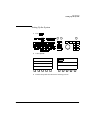
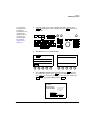
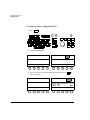
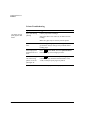
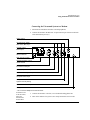
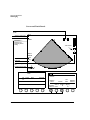
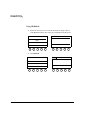
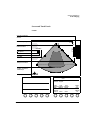
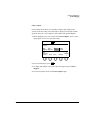
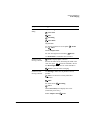
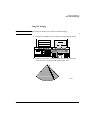
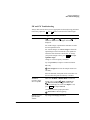
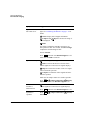
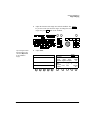
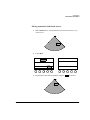
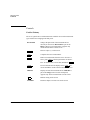
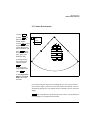
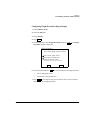
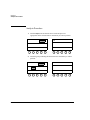
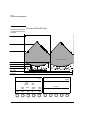
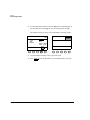
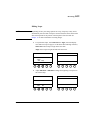
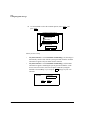
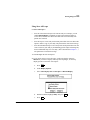
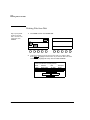
Peak Hold
Displays, in color, the accumulated maximum flow
velocities detected during a period of time (which must
be defined using Setup).
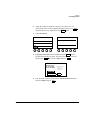
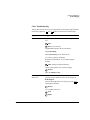
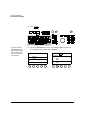
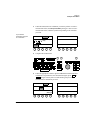
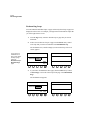
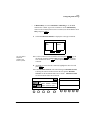
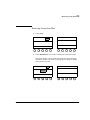
Persist
Adjusts the amount of color frame averaging, which
can give a smoother appearance.
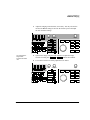
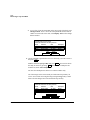
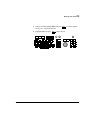
Power
Adjusts transmit power in decibels (dB) where
0.0dB = maximum power and -30.0dB = minimum
power. Appears as part of the primary control set on the
right touch panel when Contrast is on.
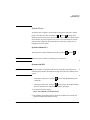
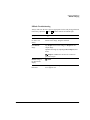
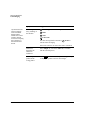
Secondary
Controls
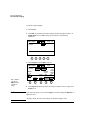
Switches between the primary and secondary touch
panels. When the control is highlighted, the secondary
controls are active.
Smoothing
Adjusts the amount of color scan line averaging,
affecting the smoothness and sensitivity of the color
display.
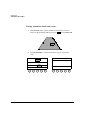
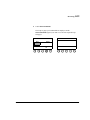
Tag
Position
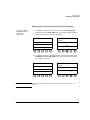
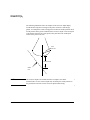
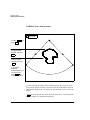
Adjusts the mean velocity for either Color Tag 1 or
Color Tag 2, whichever is currently on. Activated
when you touch Color Tag.
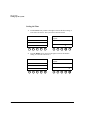
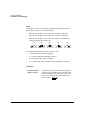
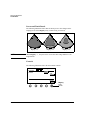
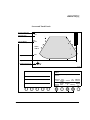
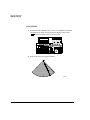
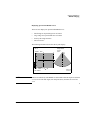
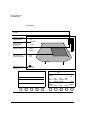
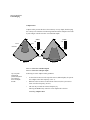
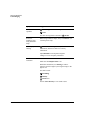
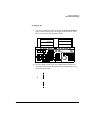
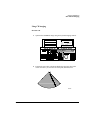
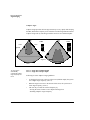
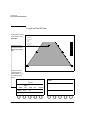
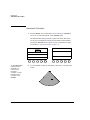
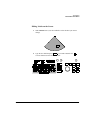
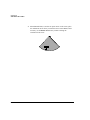
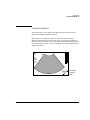
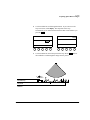
Trapezoid
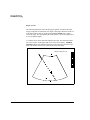
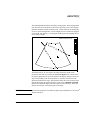
Activates trapezoidal imaging, which widens the linear
image to a trapezoid shape. Available only with
transducers that offer this feature.
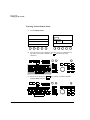
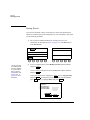
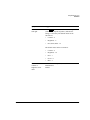
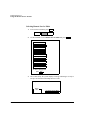
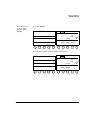
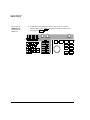
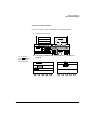
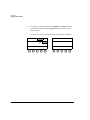
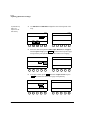
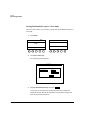
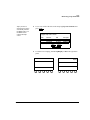
Setup
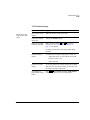
Peak Hold
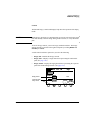
Selects the number of seconds of color flow display
when Peak Hold and Freeze are active.
Revision D.0
ssn February 10, 1999 C:\WINNT\Profiles\dapowell\Desktop\D.0 Books\CD FILES SONOS
D.0\System Basics D.0\Frame Files\7CH.FM add.2
7-69