1
How to operate the CD player
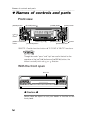
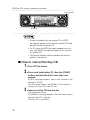
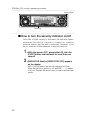
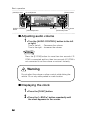
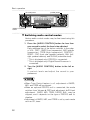
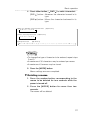
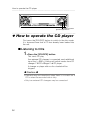
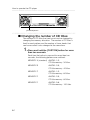
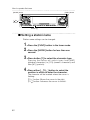
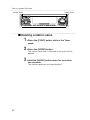
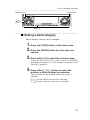
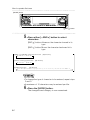
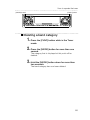
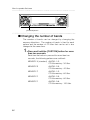
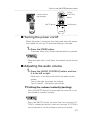
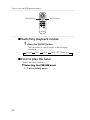
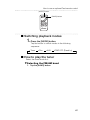
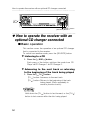
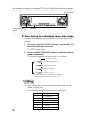
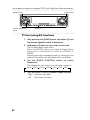
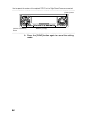
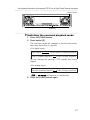
[ BND ] button
[SOURCE] button
How to operate the CD player
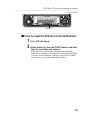
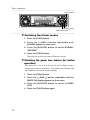
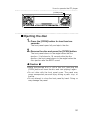
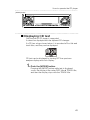
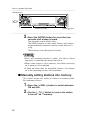
First press the [SOURCE] button to switch to the disc mode.
It is assumed here that a CD has already been loaded into
the unit.
Listening to CDs
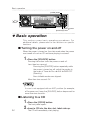
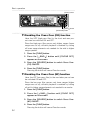
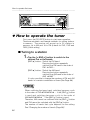
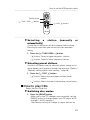
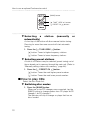
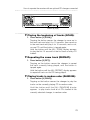
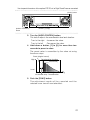
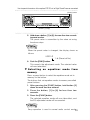
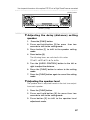
1 . Press the [SOURCE] button.
This starts CD play.
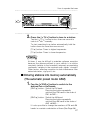
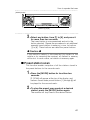
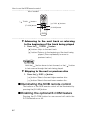
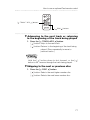
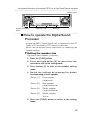
If an external CD changer is connected, each additional
tap of the [ BND ] button will switch modes from CD
changer 1 CD changer 2 CD player.
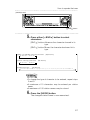
A changer or player with no discs loaded will be
skipped.
Caution
•Playback may be intermittent when there is a scratch on a
CD or when the recorded side is dirty.
•Only two external CD changers may be connected.
36