1
AP500_02_e.fm
8 ページ
2006年11月7日 火曜日 午後12時12分
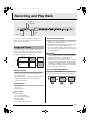
Selecting and Playing a Tone
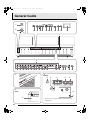
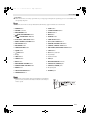
POWER
TEMPO/SETTING
METRONOME VOLUME
TONE
METRONOME
BRILLIANCE
REVERB
CHORUS
/YES
/NO
VOLUME
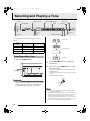
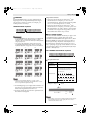
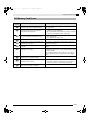
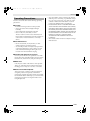
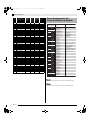
Your digital piano has the following types of tones
built in.
Tone
Numbers
Tone Type
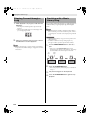
(Please wait!)
Number of Tones
—
Main Tones
14
001 to 020
Various
20
021 to 148
GM (General MIDI)
128
149, 150
Drum Sets
2 sets
(Preparing system)
Selecting a Main Tone
1.
SPLIT
VARIOUS/GM TONES
(Complete!)
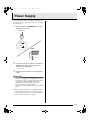
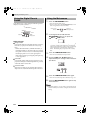
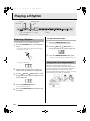
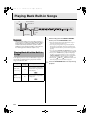
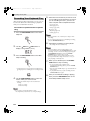
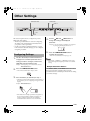
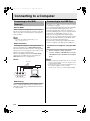
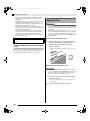
Press the POWER button.
POWER button
2.
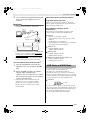
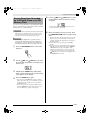
Use the VOLUME controller to adjust the
volume level.
3.
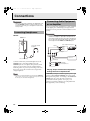
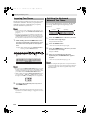
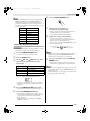
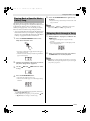
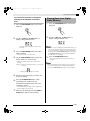
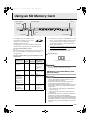
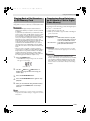
Press one of the 14 TONE buttons to select
the tone you want.
• The names of the main tones are marked above the
TONE buttons.
• This will cause the lamp of the selected tone’s button
to light.
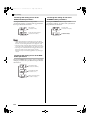
Example: GRAND PIANO 3
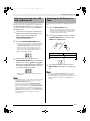
IMPORTANT!
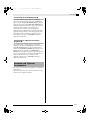
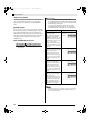
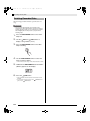
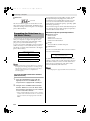
• When you turn on the digital piano, it performs a power
up operation in order to prepare its system. The power up
operation takes about 10 seconds, and is indicated by
the following messages appearing on the display.
NOTE
• The DSP effect (pages E-26 and E-28) will be applied if
you select a tone with DSP.
• Note that the digital piano’s DSP resources are limited.
Because of this, selecting a tone with DSP can cause notes
that are currently being played to cut off (if they are
being played using a tone with DSP), or it can remove the
DSP effect from an operation (layer, split, demo song)
that was previously assigned a tone with DSP.
E-8