1
Aastra Web UI
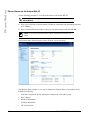
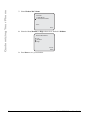
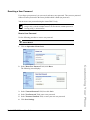
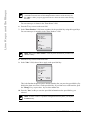
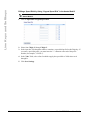
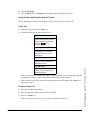
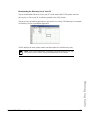
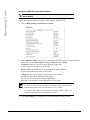
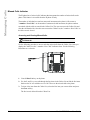
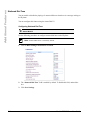
1. Click on Operation->User Password.
2. In the "Current Password" field, enter the current user password.
Note: By default, the user name is “user” (not case sensitive) and the password
field is left blank. If you have forgotten your password, contact your System
Administrator for assistance.
3. In the "New Password" field, enter the new user password.
4. In the "Password Confirm" field, enter the new user password again.
5. Click Save Settings.
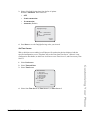
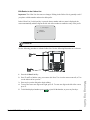
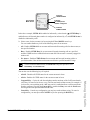
Why does my phone display "Bad Encrypted Config"?
The IP phone displays "Bad Encrypted Config" because encrypted configuration files are enabled
but the decryption process has failed.
Report this error to your System Administrator.
Model 6757i IP Phone User Guide
255
Troubleshooting Solutions
For information about changing your password, see “User Password” on page 53.