1
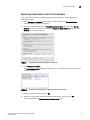
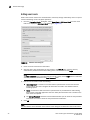
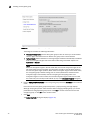
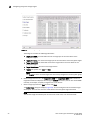
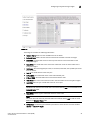
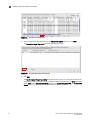
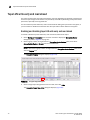
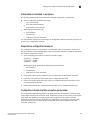
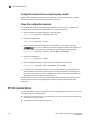
Viewing and editing encryption group properties
2
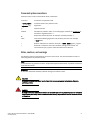
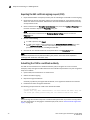
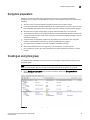
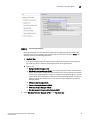
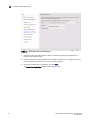
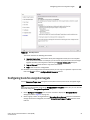
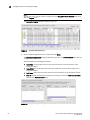
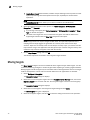
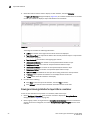
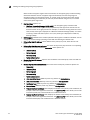
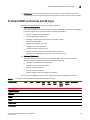
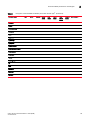
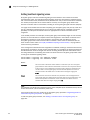
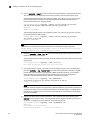
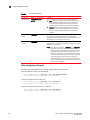
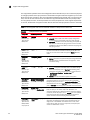
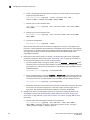
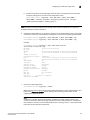
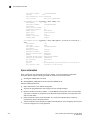
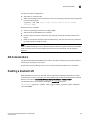
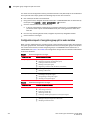
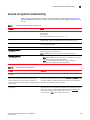
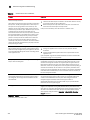
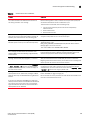
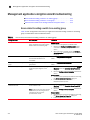
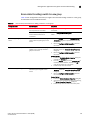
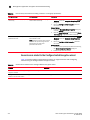
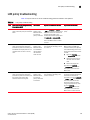
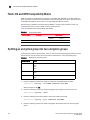
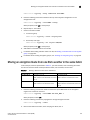
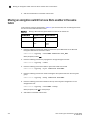
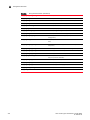
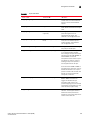
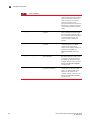
Table 2 explains the impact of removing switches.
TABLE 2
Switch removal impact
Switch configuration
Impact of removal
The switch is the only switch in the
encryption group.
The encryption group is also removed.
The switch has configured encryption
targets on encryption engines.
•
•
•
The switch is configured to encrypt traffic to one or more encryption
targets.
The target container configuration is removed.
The encrypted data remains on the encryption target but is not
usable until the encryption target is manually configured on another
encryption switch.
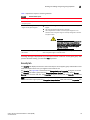
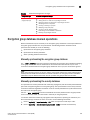
CAUTION
The encryption target data is visible in encrypted format
to zoned hosts. It is strongly recommended that you
remove the encryption targets from all zones before you
disable encryption. Otherwise, hosts might corrupt the
encrypted data by writing directly to the encryption
target without encryption.
The switch has encryption engines in
HA Clusters.
The HA Clusters are removed. High availability is no longer provided to the
other encryption engine in each HA Cluster.
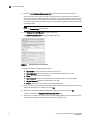
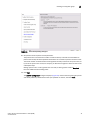
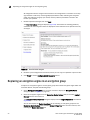
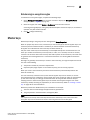
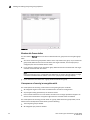
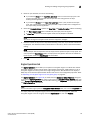
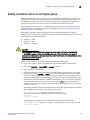
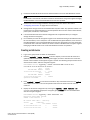
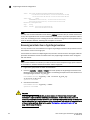
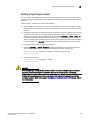
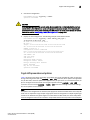
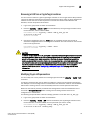
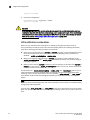
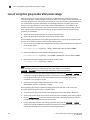
A warning message is displayed when you attempt to remove a switch or an encryption group. After
you have read the warning, you must click Yes to proceed.
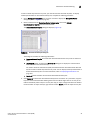
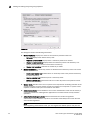
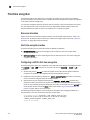
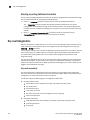
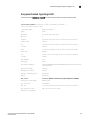
Security tab
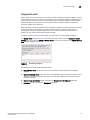
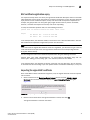
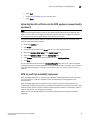
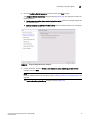
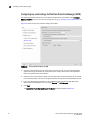
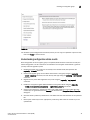
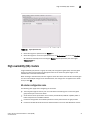
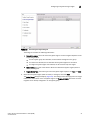
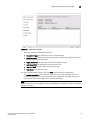
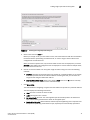
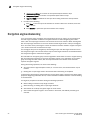
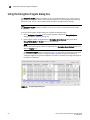
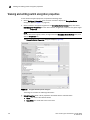
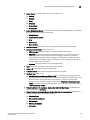
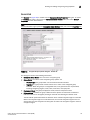
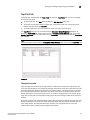
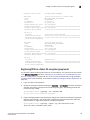
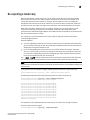
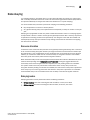
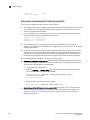
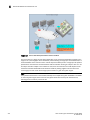
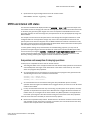
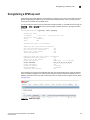
The Security tab displays the status of the master key for the encryption group and whether smart
cards are required. From here, you register smart cards for use.
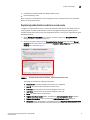
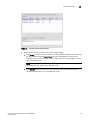
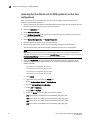
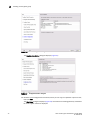
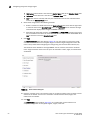
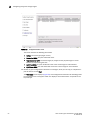
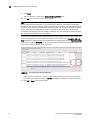
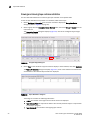
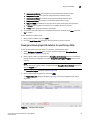
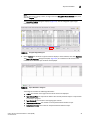
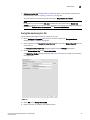
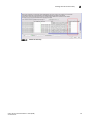
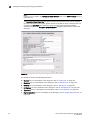
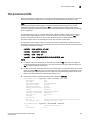
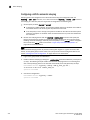
The Security tab (Figure 85) is viewed from the Encryption Group Properties dialog box. To access
the Security tab, select a group from the Encryption Center Devices table, then select Group >
Security from the menu task bar. The Properties dialog box displays with the Security tab selected.
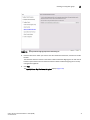
NOTE
You can also select a group from the Encryption Center Devices table, then click the Properties icon.
Fabric OS Encryption Administrator’s Guide (DPM)
53-1002720-02
117