1
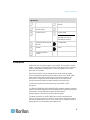
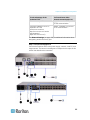
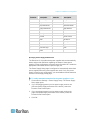
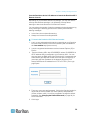
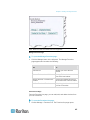
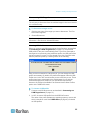
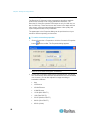
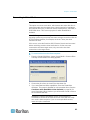
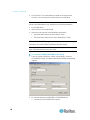
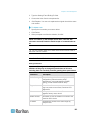
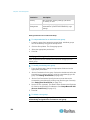
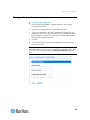
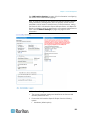
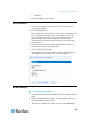
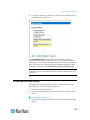
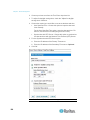
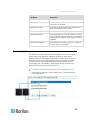
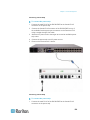
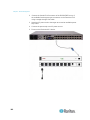
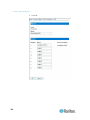
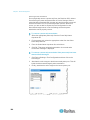
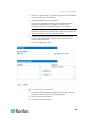
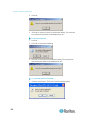
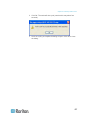
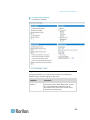
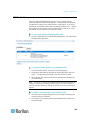
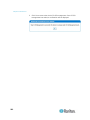
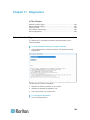
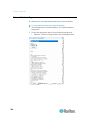
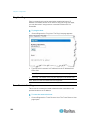
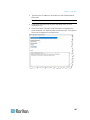
Chapter 13: Dominion KX II Local Console Ping interval (seconds) Timeout (seconds) 1. Click Reset to continue. You will be prompted to confirm the factory reset because all network settings will be permanently lost. 2. Click OK button proceed. Upon completion, the Dominion KX II device is automatically restarted. Resetting the Dominion KX II Using the Reset Button On the back panel of the device, there is a Reset button. It is recessed to prevent accidental resets (you will need a pointed object to press this button). The actions that are performed when the Reset button is pressed are defined in the graphical user interface. See Encryption & Share (on page 182). Note: It is recommended that you save the audit log prior to performing a factory reset. The audit log is deleted when a factory reset is performed and the reset event is not logged on the audit log. For more information about saving the audit log, see Audit Log (on page 191). To reset the device: 1. Power off the Dominion KX II. 2. Use a pointed object to press and hold the Reset button. 3. While continuing to hold the Reset button, power the Dominion KX II device back on. 4. Continue holding the Reset button for 5-10 seconds. Once the device has been reset, two short beeps signal its completion. 233