1
4.4.1 EasyLink
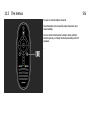
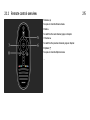
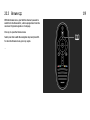
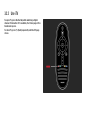
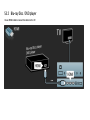
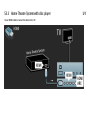
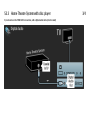
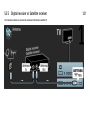
With the TV remote control you can operate devices that
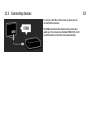
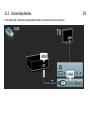
have EasyLink (HDMI-CEC) and are connected with an
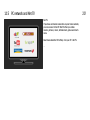
HDMI cable. Devices with EasyLink automatically show
their activity in the Home menu. The TV comes with
EasyLink switched on.
1/3
With an EasyLink device connected, EasyLink offers the
following:
• One touch play
Insert a disc and press Play on the device. The TV switches
on from standby and starts playing the disc.
...