1
3.6.4 Key beep
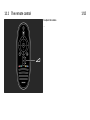
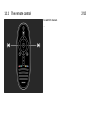
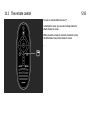
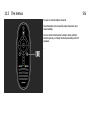
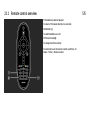
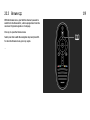
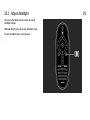
Key beep gives an audio feedback each time you press a
key on the remote control. The volume of the beep is fixed.
Switch on
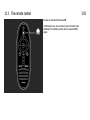
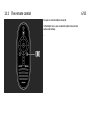
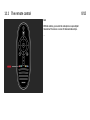
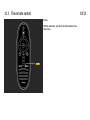
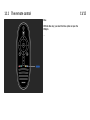
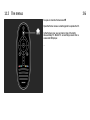
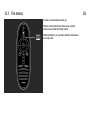
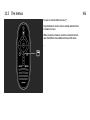
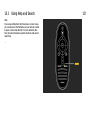
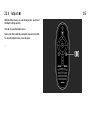
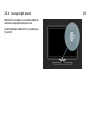
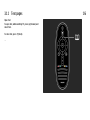
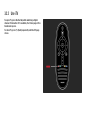
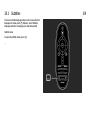
To switch on Key beep, press o (Options), select Universal
access and press OK. Select Key beep and select On.
If Universal access does not appear in the Options menu,
switch on Universal access in the Setup. Read Help > More
on … > Universal access > Switch on.