1
Lab 7: DE2 Control Panel
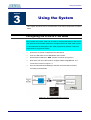
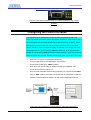
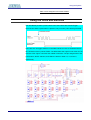
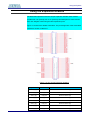
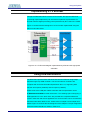
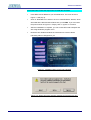
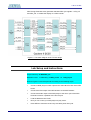
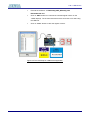
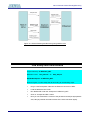
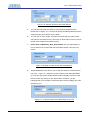
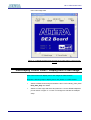
Figure 11.12 DE2 Control Panel – The TOOLS page
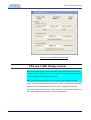
VGA Display Control Panel – Display Default Image
11-7
DE2 Control Panel provides users a tool with associated IP to display either a
default image or user’s own picture on VGA output.
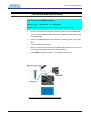
Repeat the following steps to display a default image on a VGA monitor.
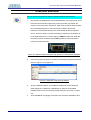
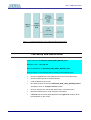
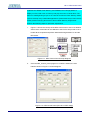
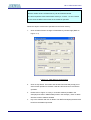
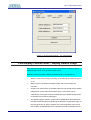
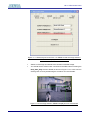
Switch to VGA Control Page by clicking on the VGA tab as shown in Figure
11.13.
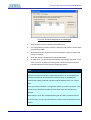
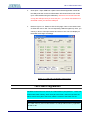
Make sure the checkboxes of Default Image and Cursor Enable are
checked.
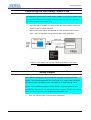
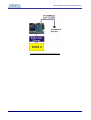
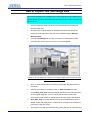
Connect your VGA monitor to the DE2 board and you should see the default
image shown on the VGA screen with a green cursor which can be
controlled by moving the X/Y-axis scrolling bars of the default image shown
on the DE2 Control Panel (VGA page).
The default image is stored in a MK4 internal SRAM block and loaded into
the M4K in MIF/Hex(Intel) format during the bitstream configuration stage. In
the coming section of “How to prepare your own image data” at the end of
this Chapter, we will illustrate how to generate the binary data pattern from
74