1
Section 3 - Coniguration
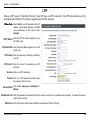
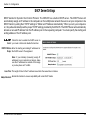
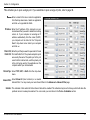
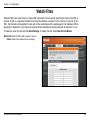
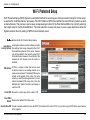
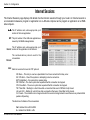
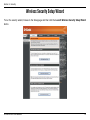
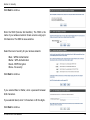
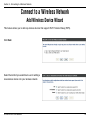
²³³ ´µ¶·¸·¹¹ This Wizard helps you add wireless devices to the wireless network.
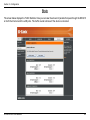
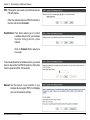
Station:
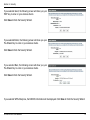
The wizard will either display the wireless network settings to guide you through manual coniguration, prompt you to enter the
PIN for the device, or ask you to press the coniguration button on the device. If the device supports Wi-Fi Protected Setup
and has a coniguration button, you can add it to the network by pressing the coniguration button on the device and then
the on the router within 60 seconds. The status LED on the router will lash three times if the device has been successfully
added to the network.
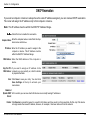
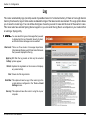
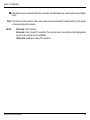
There are several ways to add a wireless device to your network. A “registrar” controls access to the wireless network. A
registrar only allows devices onto the wireless network if you have entered the PIN, or pressed a special Wi-Fi Protected
Setup button on the device. The router acts as a registrar for the network, although other devices may act as a registrar as
well.
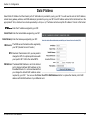
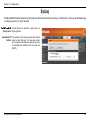
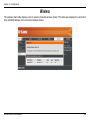
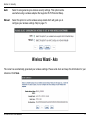
Add Wireless
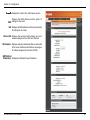
Device Wizard: Click to add a wireless client to your network. Please refer to page 79 for more informa
D-Link DIR-615 User Manual
49