1
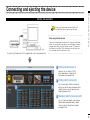
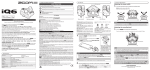
Connecting and ejecting the device
Ejecting the device
Connecting and ejecting the device
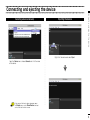
Selecting a device manually
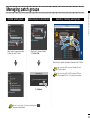
Right-click the device and select Eject.
Open the Device menu, choose Connect and click the name
of the device.
If the name of the device does not appear, open
the Display menu, select Show Devices, and put
a check next to the device name.
3