1
5. Service Modes
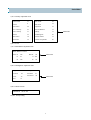
1. Entering to Service Mode
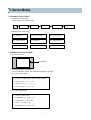
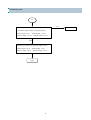
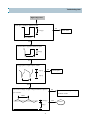
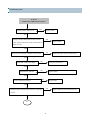
1) With the user remote control
Press the button in the following order.
1
MUTE
SELECT
MUTE
POWER
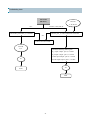
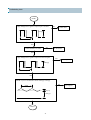
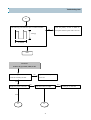
2) With the service remote control
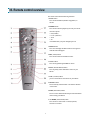
S1 : Heat Run
S2 : Screen Voltage
S3 : Sound Controls
S4 : Video Controls
S5 : Geometry
S7 : White Balance
S8 : Sub Brightness
S9 : Software Version
S10: Factory Setting
2. Function of each service mode
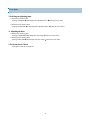
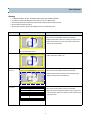
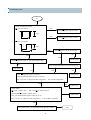
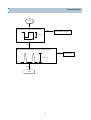
1) S1 : Heat Run mode.
White Pattern
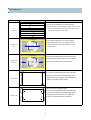
2) S2 : Screen Voltage Control mode
The vertical deflection is down, and a horizontal line appears on the screen.
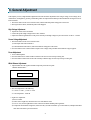
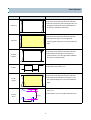
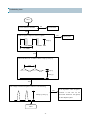
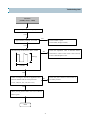
3) S3 : Sound Controls mode
Ø Equalizer : 60Hz, 250Hz, 1KHz, 3.5KHz, 10KHz
Ø Main Volume : 0 → 63 → 31
Ø Balance control : -31 → 31 → 0
Ø Center Volume : 0 → 63 → 31
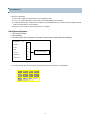
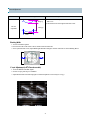
4) S4 : Video Controls mode
Ø
Tint :0 → 63 → 31
Ø
Brightness : 0 → 48 → 24
Ø
Contrast : 0 → 48 → 24
Ø
Color : 0 → 63 → 31
Ø
Sharpness : 0 → 63 → 31
8
1,2,3, …., 9