1
3
Using Advanced Phone Features
Changing the System Time Settings
Changing the System Time Settings
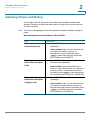
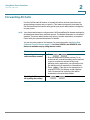
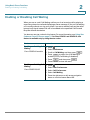
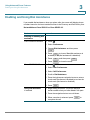
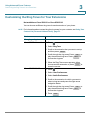
In most cases, the Unified Communications system time settings are controlled by
a network time server. However, if the Unified Communications system is not
connected to the Internet or if the time server is not reachable, you can set the
system clock from any Cisco IP phone in the system. Be aware that this manual
setting will be lost if the Unified Communications system loses power.
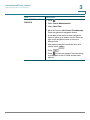
Not available on Cisco SPA301 and Cisco SPA501G
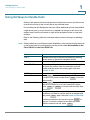
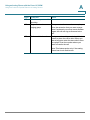
Task
Instructions
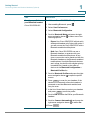
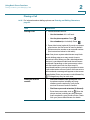
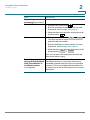
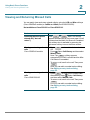
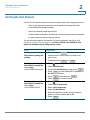
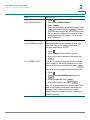
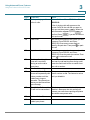
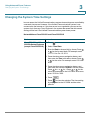
Cisco SPA303 and Cisco 1. Press
.
SPA50x Series IP phones
(except Cisco SPA501G) 2. Select Time/Date.
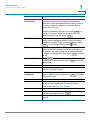
3. Enter the Date in the mm/dd/yy format. Press *
or # for the forward slash. For example, enter
10*01*11 for Oct. 10, 2011.
4. Press the down-arrow navigation button, and
then enter the Time in hh:mm:ss format. Press *
or # for the colon. For example, enter 6*21 for
6:21.
5. Press the down-arrow navigation button, and
then enter the time zone Offset in ±H:m:s format.
Press * for + or # for -. Press * or # for the
colon. For example, for the U.S. Pacific Time zone,
enter *8*00 for -8:00.
6. Press
Save
.
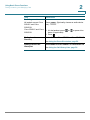
7. Press
to close the window. The time setting
is propagated to the UC320W and the other
phones.
Cisco SPA300 and SPA500 Series IP Phones with Cisco Unified Communications UC320W
89