1
DES-3000 Series Layer 2 Switch CLI Reference Manual
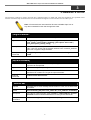
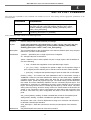
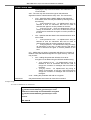
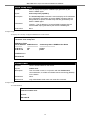
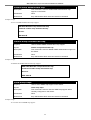
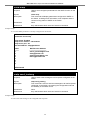
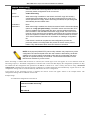
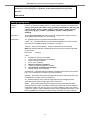
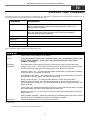
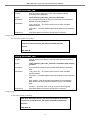
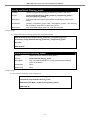
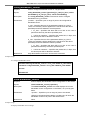
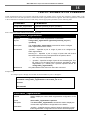
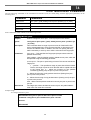
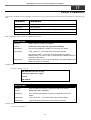
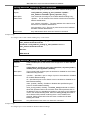
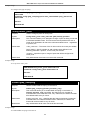
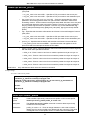
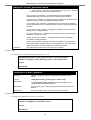
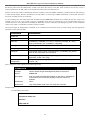
config dst
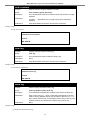
e_wday - Configure the day of the week in which DST ends.
•
<end_weekday sun-sat> - The day of the week in which DST ends
expressed using a three character abbreviation (sun, mon, tue, wed, thu,
fri, sat)
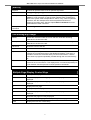
s_mth - Configure the month in which DST begins.
•
<start_mth 1-12> - The month to begin DST expressed as a number.
e_mth - Configure the month in which DST ends.
•
<end_mth 1-12> - The month to end DST expressed as a number.
s_time – Configure the time of day to begin DST.
•
<start_time hh:mm> - Time is expressed using a 24-hour clock, in hours
and minutes.
e_time - Configure the time of day to end DST.
•
<end_time hh:mm> - Time is expressed using a 24-hour clock, in hours
and minutes.
s_date - Configure the specific date (day of the month) to begin DST.
•
<start_date 1-31> - The start date is expressed numerically.
e_date - Configure the specific date (day of the month) to begin DST.
•
<end_date 1-31> - The end date is expressed numerically.
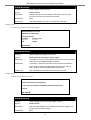
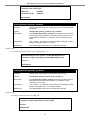
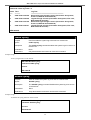
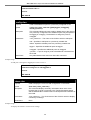
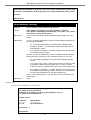
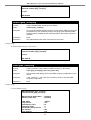
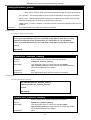
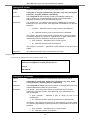
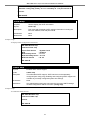
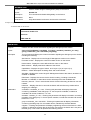
offset [30 | 60 | 90 | 120] - Indicates number of minutes to add or to subtract during
the summertime. The possible offset times are 30, 60, 90, 120. The default value
is 60.
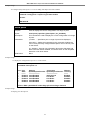
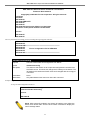
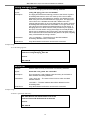
Restrictions
Only administrator-level users can issue this command.
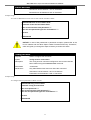
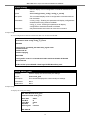
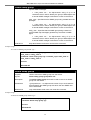
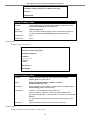
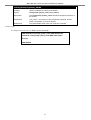
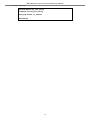
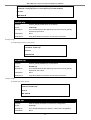
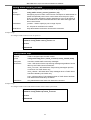
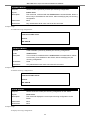
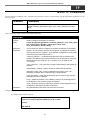
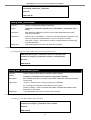
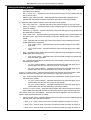
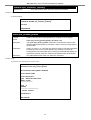
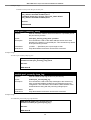
Example usage:
To configure daylight savings time on the Switch:
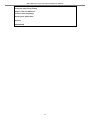
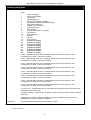
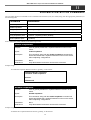
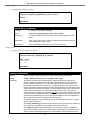
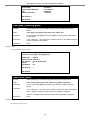
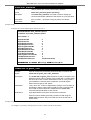
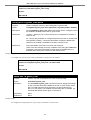
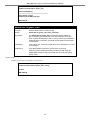
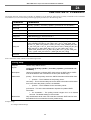
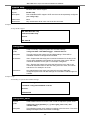
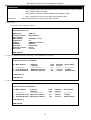
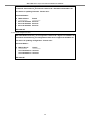
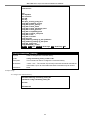
DES-3026:4# config dst repeating s_week 2 s_wday tue s_mth 4
s_time 15:00 e_week 2 e_wday wed e_mth 10 e_time 15:30 offset 30
Command: config dst repeating s_week 2 s_wday tue s_mth 4 s_time
15:00 e_week 2 e_wday wed e_mth 10 e_time 15:30 offset 30
Success.
DES-3026:4#
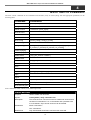
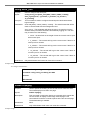
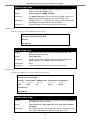
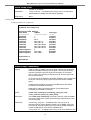
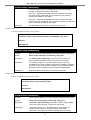
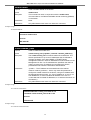
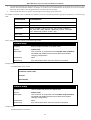
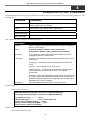
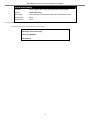
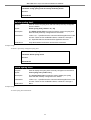
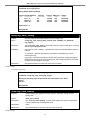
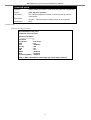
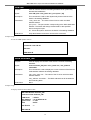
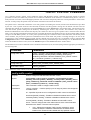
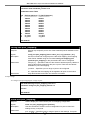
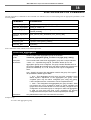
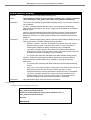
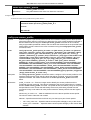
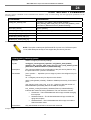
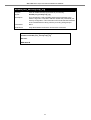
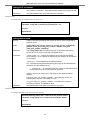
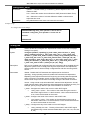
show time
Purpose
Used to display the current time settings and status.
Syntax
show time
Description
This will display system time and date configuration as well as display
current system time.
Parameters
None.
Restrictions
None.
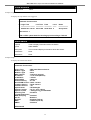
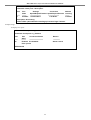
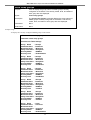
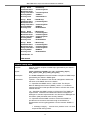
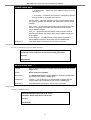
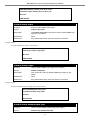
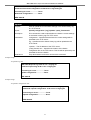
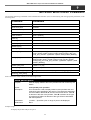
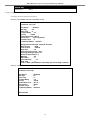
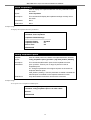
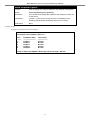
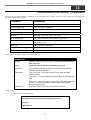
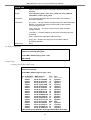
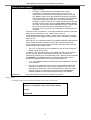
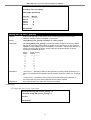
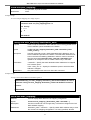
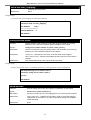
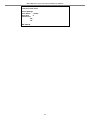
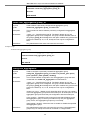
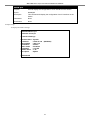
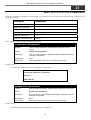
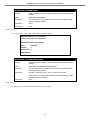
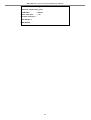
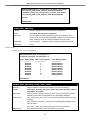
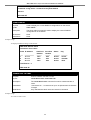
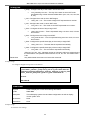
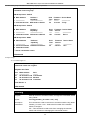
Example usage:
To show the time settings:
164