1
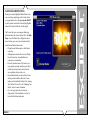
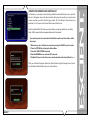
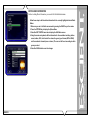
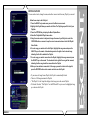
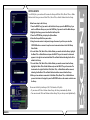
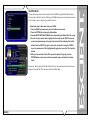
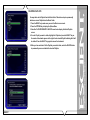
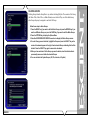
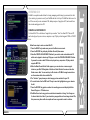
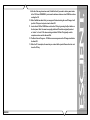
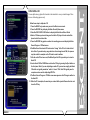
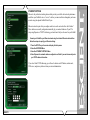
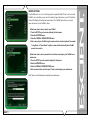
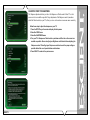
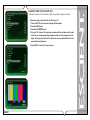
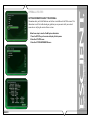
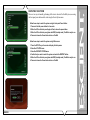
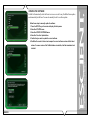
CENTERING THE FIREBALL SCREEN
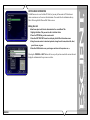
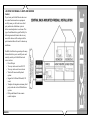
Allows you to center the FireBall user interface horizontally on your TV screen.
FireBall™ SEi Series User’s Manual
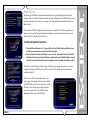
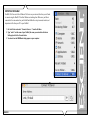
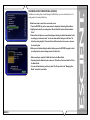
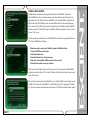
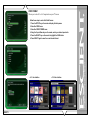
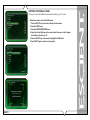
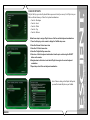
Follow these steps to center the FireBall screen:
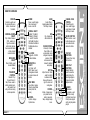
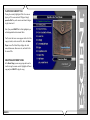
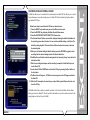
1. Press the SETUP key on the remote to display the Setup menu.
2. Select the VIDEO menu.
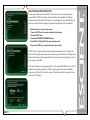
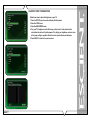
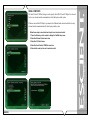
3. Select the SCREEN CENTERING menu.
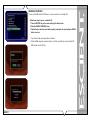
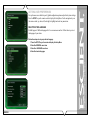
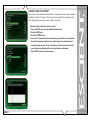
4. Using the Left and Right keys on the remote, adjust the screen so that it appears
horizontally centered on your TV.
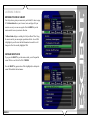
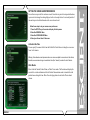
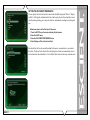
5. Press the SELECT key on the remote to highlight the SAVE button.
6. Press SELECT again to save the current position.
PAGE 76