1
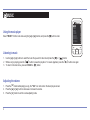
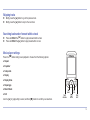
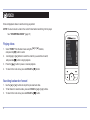
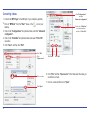
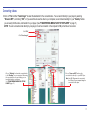
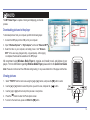
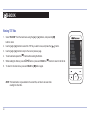
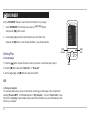
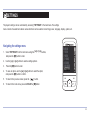
E-BOOK Viewing TXT files 1. Select “E-BOOK” from the main menu using the [] or [] buttons, and press the [M] button to enter. 2. Use the [] or [] buttons to select the TXT file you wish to view, and press the [ 3. Use the [] or [] buttons to skip to the next or previous page. ] button. 4. To set bookmarks press the [M] button while reading the E-bbok. ] button or press and HOLD the [M] button to return to the file list. 5. While reading the E-book, press the [ 6. To return to the main menu, press and HOLD the [M] button again. NOTE: The bookmark is only available to the current file, and has to be reset while reading the other files. 20 MUSIC VIDEO PHOTO E-BOOK RECORD BROWSER SETTINGS