1
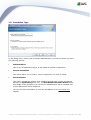
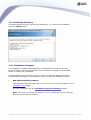
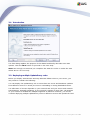
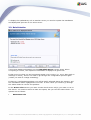
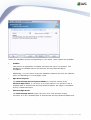
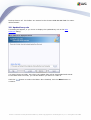
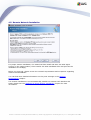
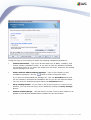
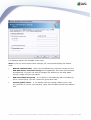
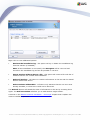
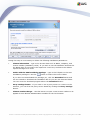
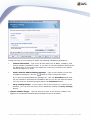
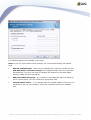
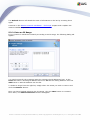
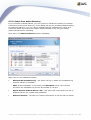
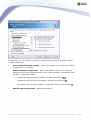
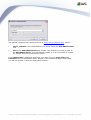
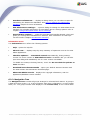
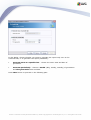
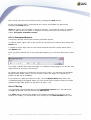
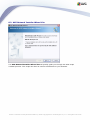
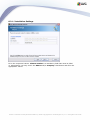
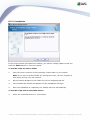
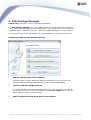
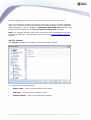
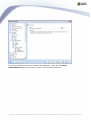
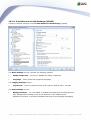
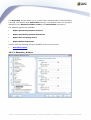
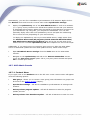
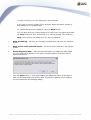
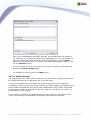
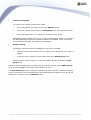
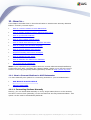
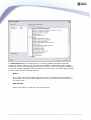
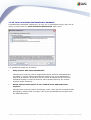
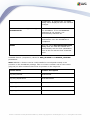
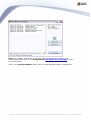
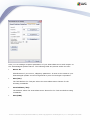
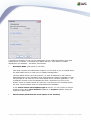
In this step, you can choose if you wish to install AVG with default settings or select
custom components.
·
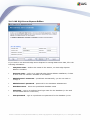
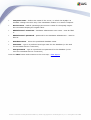
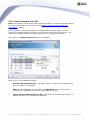
Install AVG with default settings - Choose this option if you prefer the default
components to be installed.
·
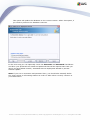
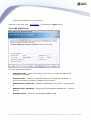
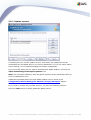
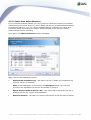
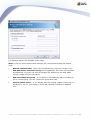
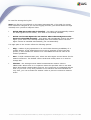
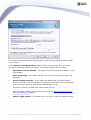
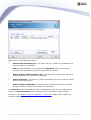
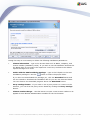
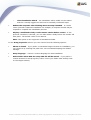
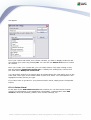
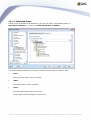
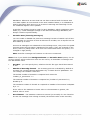
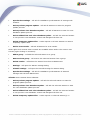
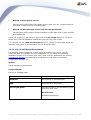
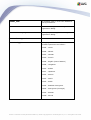
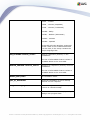
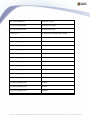
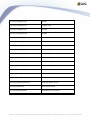
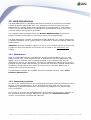
Select installation components - Select this option to view a tree structure
offering a list of AVG components that can be either installed or uninstalled. From
the list of components select:
·
o
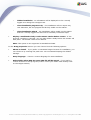
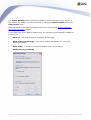
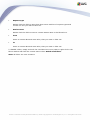
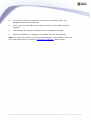
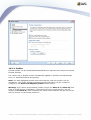
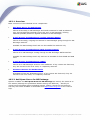
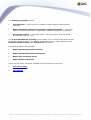
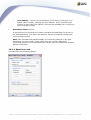
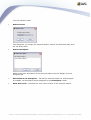
Components that should be installed, and mark them like this
o
Components that should be uninstalled, and mark them like this
o
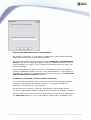
The default settings will be used for components that you leave blank ( ).
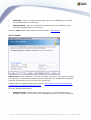
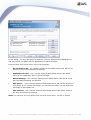
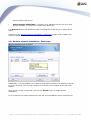
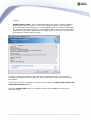
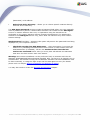
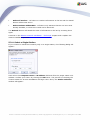
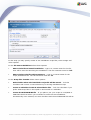
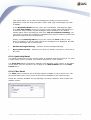
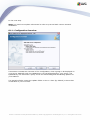
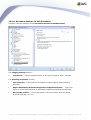
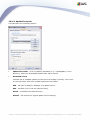
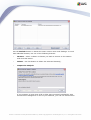
Remote AVG uninstallation - allows AVG removal.
AVG 9.0 Internet Security Business Edition © 2009 C opyright AVG Technologies C Z, s.r.o. All rights reserved.
78