1
Answering system operation
Setting answering system
Advanced operation
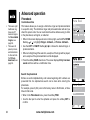
Set number of rings
This feature allows you to select how many times the telephone will ring
before the answering system answers. You can choose from two, four, six
rings or toll saver. With toll saver active, the answering system answers after
two rings when there are new messages, and after four rings when there are
no new messages.
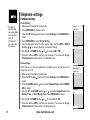
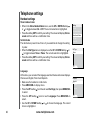
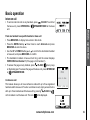
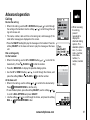
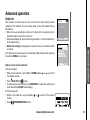
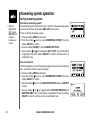
• Press the softkey MENU in idle mode.
• Press the softkey
twice to reach ANSWERING SYSTEM. Press the
softkey SELECT to confirm.
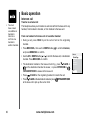
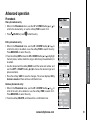
• Press the softkey
three times to reach RINGS TO ANSWER, and press
the softkey SELECT to confirm.
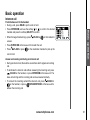
• Use the softkey or to scroll through the options. Press the softkey SELECT
to confirm, and there will be a confirmation tone.
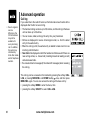
Set call screening
This feature allows you to listen to the caller’s messages while they are
being recorded. If you wish to take the call, press
/FLASH or
on the
handset or
/SPEAKERPHONE at the base unit when the message is
being recorded.
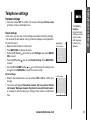
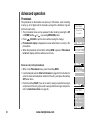
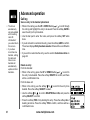
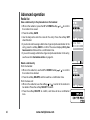
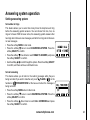
• Press the softkey MENU when in idle mode.
• Press the softkey
twice to reach ANSWERING SYSTEM. Press the
softkey SELECT to confirm.
• Press the softkey
three times to reach CALL SCREENING and press
the softkey SELECT to confirm.
www.vtechphones.com
43