1
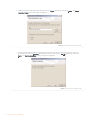
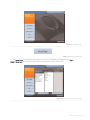
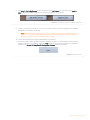
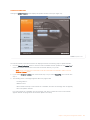
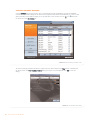
8. Click Step 4: Add to My Devices to save this device to your My Devices list, if you wish. Click Apply to
Chat to apply these audio settings to your Chat 50 (see Figure 2.17), if you wish.
FIGURE 2.17 Chat 50 Add to My Devices and Apply to Chat buttons
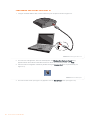
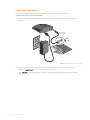
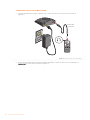
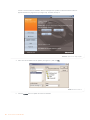
9. Connect your Chat 50 to the device you just set up (see the specific connection diagram in the following
paragraphs for the proper connection).
>
Note: When connecting to an analog device, you can leave the Chat 50 connected to your PC if you
wish. If you do, then you do not need to connect the power supply because the Chat 50 is being
powered through the previously connected USB 2.0 cable.
10. Use the device and note the superior audio quality of the Chat 50.
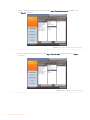
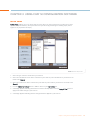
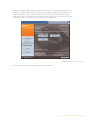
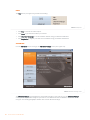
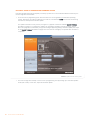
11. If you wish to further adjust the Chat 50 audio settings for this device, or to set up another device, refer to
the Chat 50 Help file (accessed by clicking the Help button (see Figure 2.18) in the Chat 50 configuration
software) or to Chapter 3: Using Chat 50 Configuration Software for more information.
FIGURE 2.18 Chat 50 help button
Chapter 2: Getting Started
13