1
Section 5: EISA Utility
Step 3: View or Edit Details
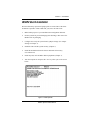
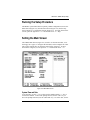
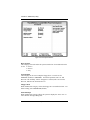
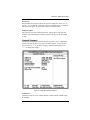
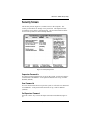
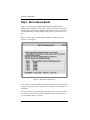
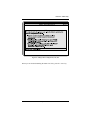
When you select the “View or Edit Details” menu (Figure 5-5), a display of
your system resources appears. You may edit this menu to optimize the
system performance and allocation of resources.
If you need to change information on this menu, select the item you wish to
change and press <Enter>.
Figure 5-5 View or Edit Details Menu
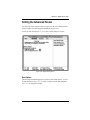
Advanced Submenu
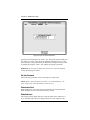
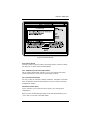
The Advanced submenu (Figure 5-6) will allow you to make specialized
configuration adjustments. To select this menu, press the <F7> key.
5-6
M54E2 System Board Manual