1
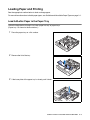
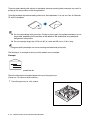
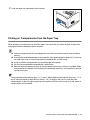
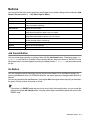
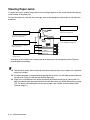
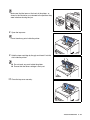
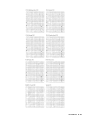
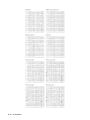
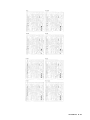
Follow the steps below to load transparencies into any of the paper trays.
(Paper tray 1 is shown in the illustrations.)
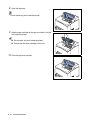
1
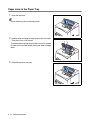
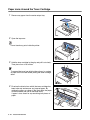
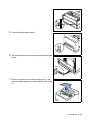
Place the paper tray on a flat surface.
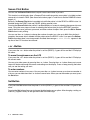
2
Remove the lid of the tray.
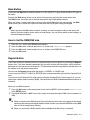
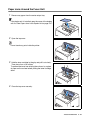
3
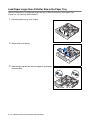
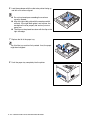
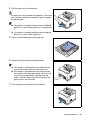
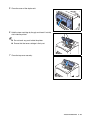
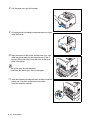
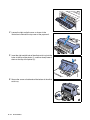
If the base plate of the paper tray is raised, push it down.
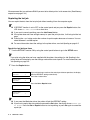
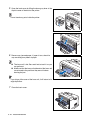
4
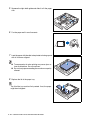
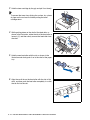
Squeeze the length guide and slide it to fit the paper size.
USABLE PAPER TYPES AND PRINTING METHOD 2 - 21