1
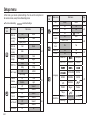
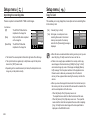
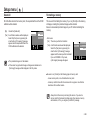
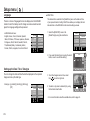
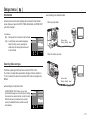
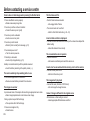
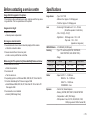
Warning indicator Before contacting a service centre [Low Battery!] The camera doesn’t switch on • There is low battery capacity • There is low battery capacity Insert a fully charged battery. [Low Light!] • When taking pictures in dark places Take pictures in Flash Photography mode. Insert a fully charged battery. (p.15) • Battery is inserted incorrectly with the polarities reversed. Insert the battery according to the polarity marks (+, -). • The rechargeable battery is not inserted Insert the battery and turn on the camera. [DCF Full Error] • Violation of DCF format Copy the images to a PC and format the memory. The camera power ceases while in use • The battery is exhausted Insert a fully charged battery. • The Camera is turned off automatically Turn on the camera power again. • Operation has ceased in a low temperature outside of the camera usage temperature range. Remove the batteries from the camera. Warm the camera and battery by placing them in your pocket and then immediately before shooting, place the battery in the camera and then shoot. << 75 >>