1
Wireless Applications 7 - 19
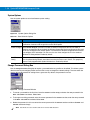
IP Mode
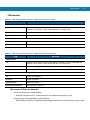
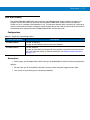
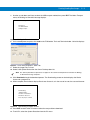
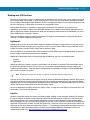
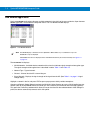
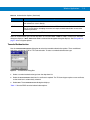
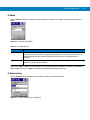
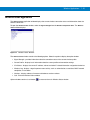
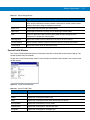
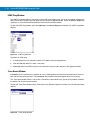
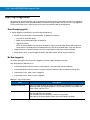
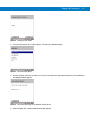
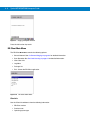
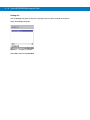
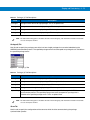
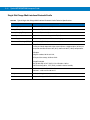
Use the IP Mode dialog box to configure network address parameters: IP address, subnet, gateway, DNS and
WINS.
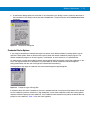
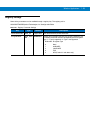
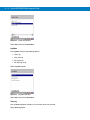
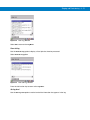
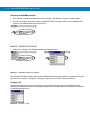
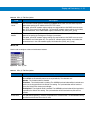
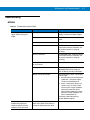
Figure 7-24 IP Config Tab (DHCP)
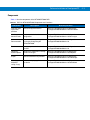
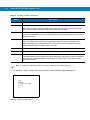
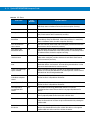
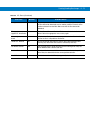
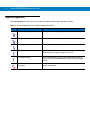
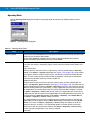
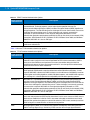
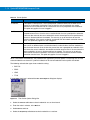
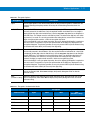
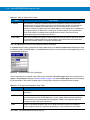
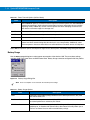
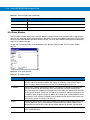
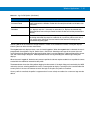
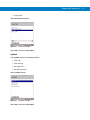
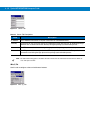
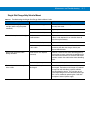
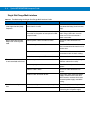
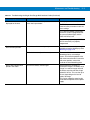
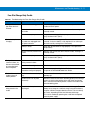
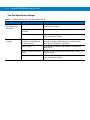
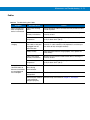
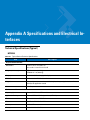
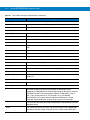
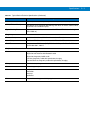
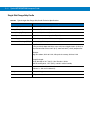
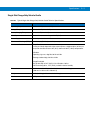
Table 7-12 IP Mode Options
Encryption
Description
DHCP
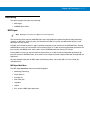
Select Dynamic Host Configuration Protocol (DHCP) from the IP Mode drop-down list to obtain a
leased IP address and network configuration information from a remote server. DHCP is the
default setting for the device profile. When DHCP is selected, the IP address fields are
read-only.
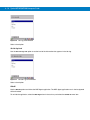
Static
Select Static to manually assign the IP, subnet mask, default gateway, DNS and WINS
addresses used by the device profile.
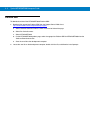
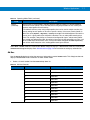
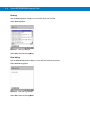
Select either DHCP or Static from the drop-down list and then select Next. If Static IP is selected, the IP Address
Entry dialog box displays. If DHCP is selected, the Transmit Power dialog box displays.
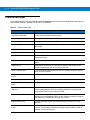
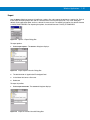
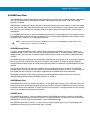
IP Address Entry
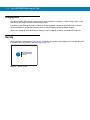
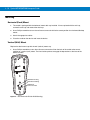
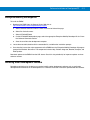
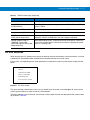
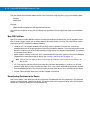
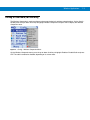
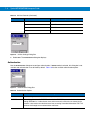
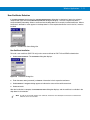
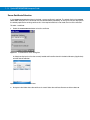
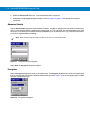
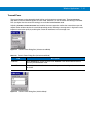
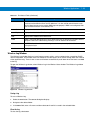
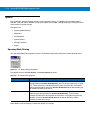
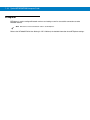
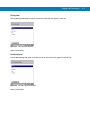
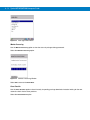
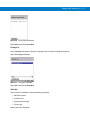
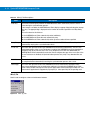
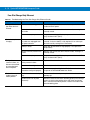
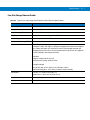
Use the IP Address Entry dialog box to enter the IP address and subnet information.
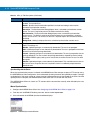
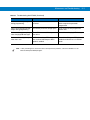
Figure 7-25 Static IP Address Entry Dialog Box