1
4
Data Acquisition
Report setup
Report setup
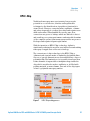
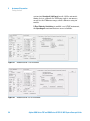
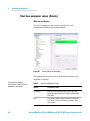
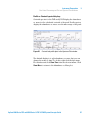
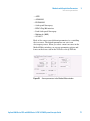
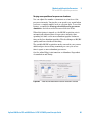
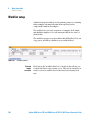
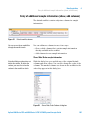
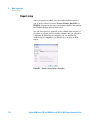
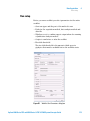
After you run the worklist, you can send a worklist report to
one or more of these locations: Screen, Printer, Excel File or
PDF File. You specify the report destination and the file path in
the Worklist Report Options dialog box.
You can also specify to print all of the columns that are part of
the table or to print only the visible columns, and you can select
a different Worklist Report template. You can modify the
worklist report template if you know how to modify an RDL
report.
Figure 54
112
Worklist Report Options dialog box
Agilent 6200 Series TOF and 6500 Series Q-TOF LC/MS System Concepts Guide