1
PC CONNECTIVITY
SETTING UP THE Bluetooth mode FOR
THE SHARP FX
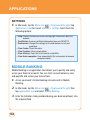
Turning on Bluetooth
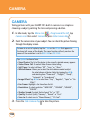
To enable Bluetooth:
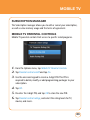
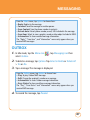
1. In Idle mode, tap the Menu icon
, Drag toward the left, tap
Bluetooth icon then select Bluetooth > Select Bluetooth On/Off.
2. Select
On. You can see the Bluetooth icon at the top of the screen.
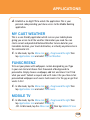
MAKING THE SHARP FX VISIBLE TO A PC
This step enables your PC to find the SHARP FX when searching for
Bluetooth devices.
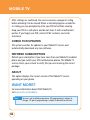
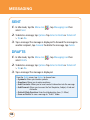
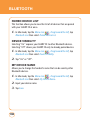
1. In Idle mode, tap the Menu icon
, Drag toward the left, tap
Bluetooth icon then select Bluetooth.
2. Select
“Device Visibility On/Off“.
3. Select
On.
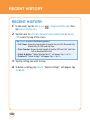
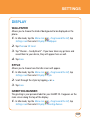
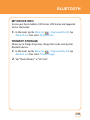
PAIRING THE SHARP FX WITH A PC
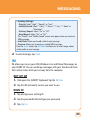
To pair your device with a PC:
1. If your PC supports Bluetooth, you can find the Bluetooth icon in the
tray icons.
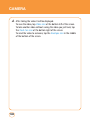
2. C lick the right button of your mouse on the Bluetooth icon.
3. Select “Bluetooth Settings“.
142