1
Section 1 – Network
Procedure
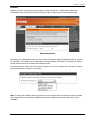
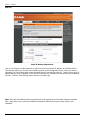
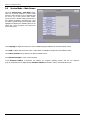
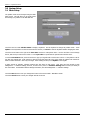
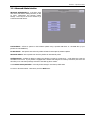
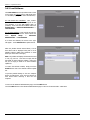
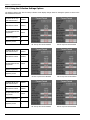
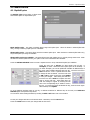
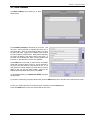
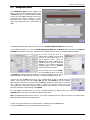
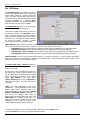
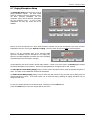
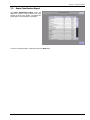
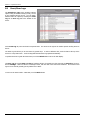
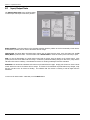
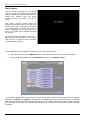
Generally, all router setup can be done from just one router setup screen. Scroll down the initial router
configuration screen and touch the “Manual Configure” button to display the Internet Connection page.
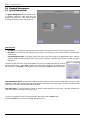
Router Setup Screen
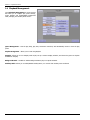
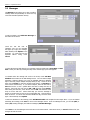
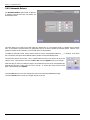
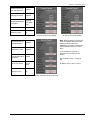
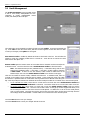
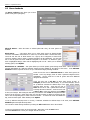
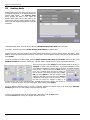
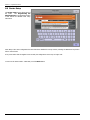
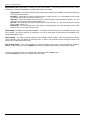
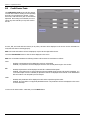
Chances are your configuration will be one of the three primary router setup configurations, Static IP, Dynamic
IP, and PPPoE. Your specific type of configuration will require different information, all of which your Internet
installer should have left at the venue after installing the line.
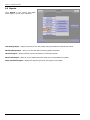
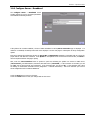
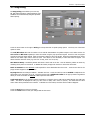
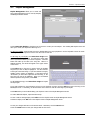
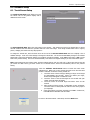
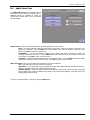
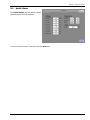
Touch the arrow to the right of the “My Internet Connection is:” text box to display a list of choices. Touch the
type of configuration you need for your location.
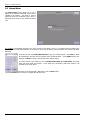
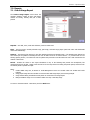
Note: There are many different Internet providers and not all required set up information has been presented
here. Please refer to your provider’s installation documents to determine the proper router setup for your
installation.
21822706
5