1
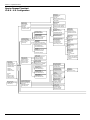
Section 3 – Operator Screens
1.2 Cash Management
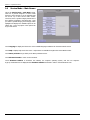
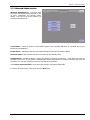
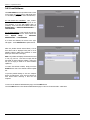
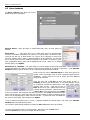
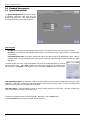
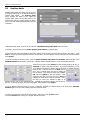
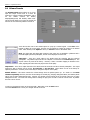
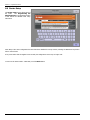
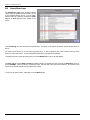
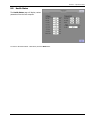
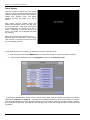
Touch Cash Management to access screens that
allow you to change collection settings, credit
setup, song pricing, and free play settings.
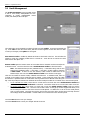
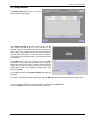
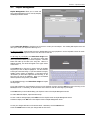
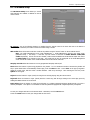
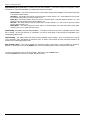
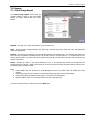
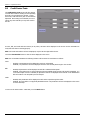
Collection Settings – Allows you to set up operator and location split percentages, and to set collection options.
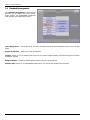
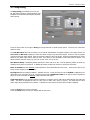
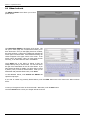
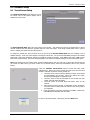
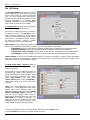
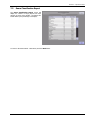
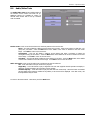
Credit Management – Allows you to manually add/delete credits, enable Remote Credits, and enable and set a daily Credit
Pool.
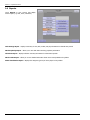
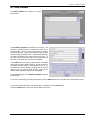
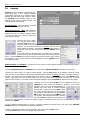
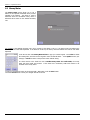
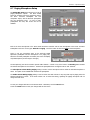
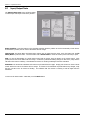
Song Pricing – Provides the ability to configure coin, bill, and credit card values, set special song pricing, and set the price of
credit.
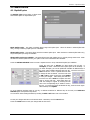
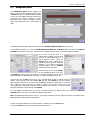
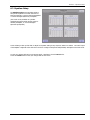
Free Play – Turns Free Play Mode on/off and sets the Free Play Schedule.
18
21822706