1
southernlinc.com
1-800-818-LINC
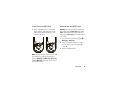
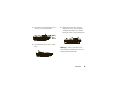
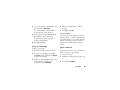
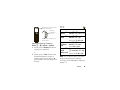
To make a Push To Talk call:
1. Enter the PTT ID you want to call.
2. Press and hold the PTT button on the side of
your phone. Begin talking after your phone
emits a chirping sound.
3. Release the PTT button to listen.
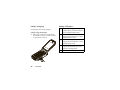
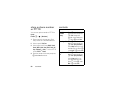
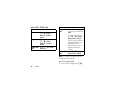
Navigation
• Press @ to return to the idle screen.
• Press / to access main menu and submenus.
• Press K to select display options.
• Press up/down/left/right on the navigation key to
scroll through menus and lists.
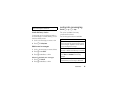
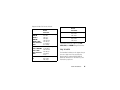
Making Calls
Direct Dial:
To make a phone call:
1. Enter the number you want to call.
2. Press ` to place the call.
3. Press @ to end the call.
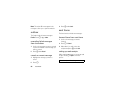
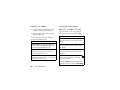
New Contacts Entry
1. Select / > Contacts > [New Contact].
2. Enter the information in the fields.
3. Press K under Save when finished.
Recent Calls
From the idle screen, press down on the
navigation key to access Recent Calls.
Keypad Lock
To lock or unlock the keypad, press / > *.
Customer Support: 1-800-818-LINC
User Guide
Barcode here