1
customize the camera
camcorder
Find it: / > j > Camera > / > Camera Setup
You can use your phone’s camcorder feature
to record videos.
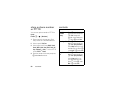
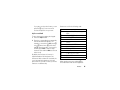
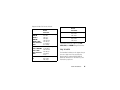
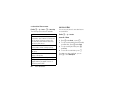
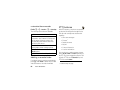
The following options become available:
option
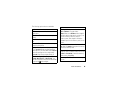
Ask for Name: If this option is On, you are
prompted to enter a name for each picture
before saving. Otherwise, pictures are
automatically saved with the date and a
number as their names.
Shutter Sound: Set the default sound the
camera makes when is taking a picture.
Default Size: Sets the default value for the Picture
Size option.
Default Quality: Sets the default value for the
quality of the picture.
Spotlight Setting: Select from Always On or Off
GPS Tag : If this option is On, pictures will be
tagged with the geographic location of
where they were taken.
60
main attractions
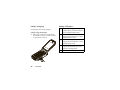
Find it: / > j > Camcorder
record video
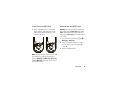
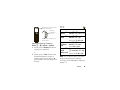
1 Press K under Record, or press r.
2 To stop recording and discard the partially
recorded video, press K under Cancel.
3 To stop recording the video press K
under Stop.
4 To save the recorded video, press r.
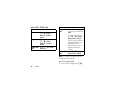
From the camcorder viewfinder, you can
press / to enter Menu Options.