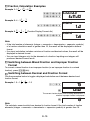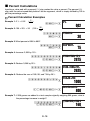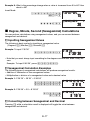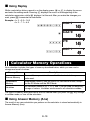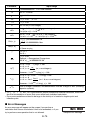
1
c
c
x 2=
255
F r eq2=
6
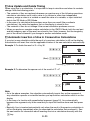
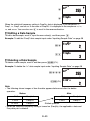
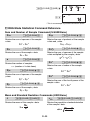
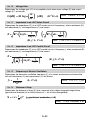
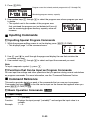
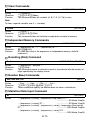
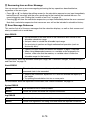
When the statistical frequency setting is FreqOn, data is displayed in the sequence: x1,
Freq1, x2, Freq2, and so on. In the case of FreqOff, it is displayed in the sequence: x1, x2,
x3, and so on. You can also use f to scroll in the reverse direction.
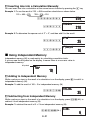
A Editing a Data Sample
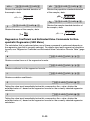
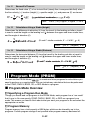
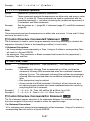
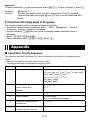
To edit a data sample, recall it, input the new value(s), and then press E.
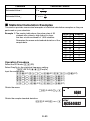
Example: To edit the “Freq3” data sample input under “Inputting Sample Data” on page 38
Af
3E
F r eq3=
2
F r eq3=
3
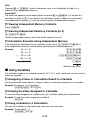
A Deleting a Data Sample
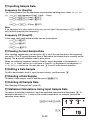
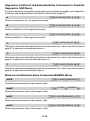
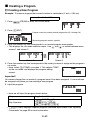
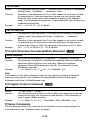
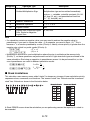
To delete a data sample, recall it and then press 1m(CL).
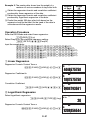
Example: To delete the “x2” data sample input under “Inputting Sample Data” on page 38
Accc
1m(CL)
x 2=
255
L i ne =
2
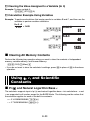
Note
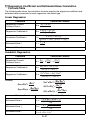
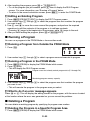
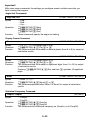
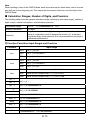
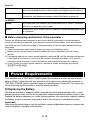
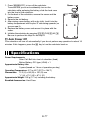
• The following shows images of how the data appears before and after the delete
operation.
Before
After
x1: 24.5
Freq1: 4
x1: 24.5
Freq1: 4
x2: 25.5
Freq2: 6
x2: 26.5
Freq2: 2
x3: 26.5
Freq3: 2
Shifted upwards.
• When the statistical frequency setting is turned on (FreqOn), the applicable x-data and
Freq data pair is deleted.
E-40