1
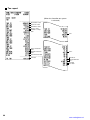
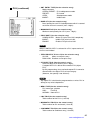
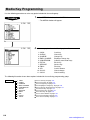
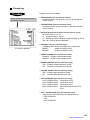
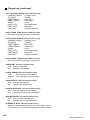
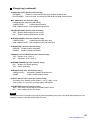
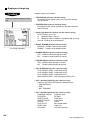
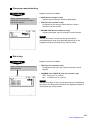
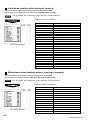
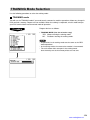
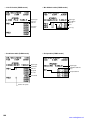
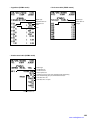
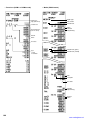
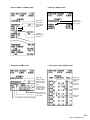
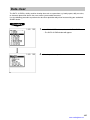
Mode Selection
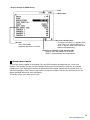
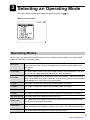
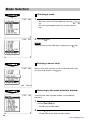
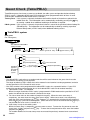
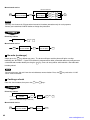
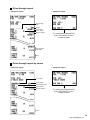
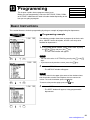
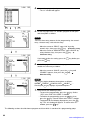
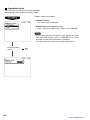
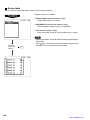
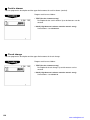
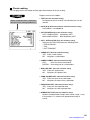
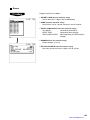
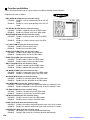
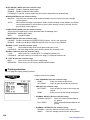
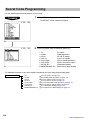
Selecting a mode
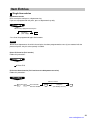
1.
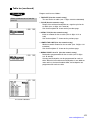
Use one of the following two ways:
• Move the cursor to a desired option by using the
or
key.
• Enter the desired option number by using the numeric
keys.
2.
Press the
ENTER
key.
NOTE
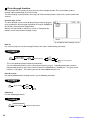
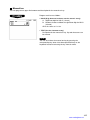
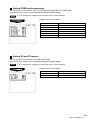
To exit and return to the REG mode, simply press the
CANCEL
key.
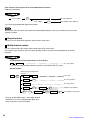
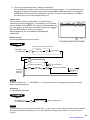
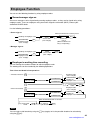
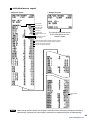
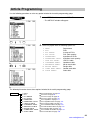
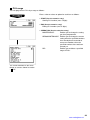
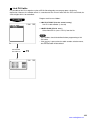
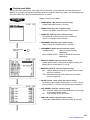
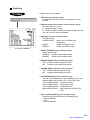
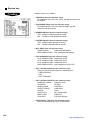
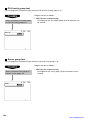
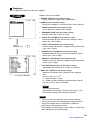
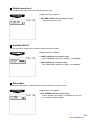
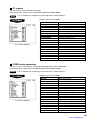
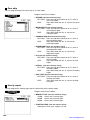
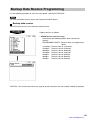
Entering a secret code
When a secret code has been set for the selected mode, enter
the secret code and press the ENTER key.
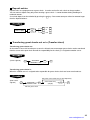
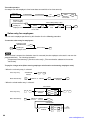
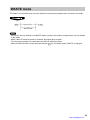
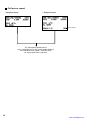
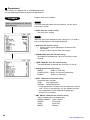
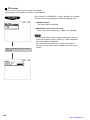
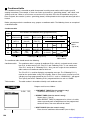
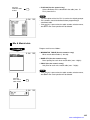
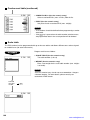
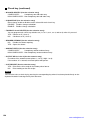
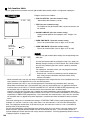
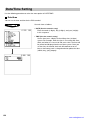
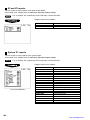
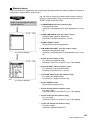
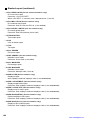
Returning to the mode selection window
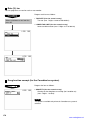
To return to the mode selection window, use the following
procedure:
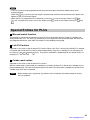
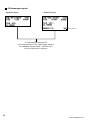
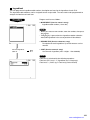
1.
Press the MODE or CANCEL key with the menu screen of the
selected mode displayed.
• You will enter the REG mode.
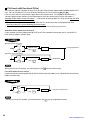
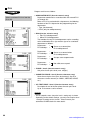
2.
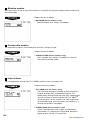
Press the
MODE
key.
• You will return to the mode selection window.
16
www.cashregisters.net