1
Chapter 4
Changing Symbology Settings
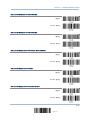
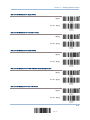
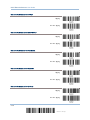
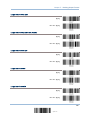
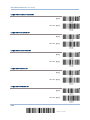
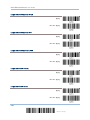
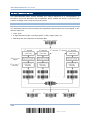
4.13 GS1 DATABAR (RSS FAMILY)
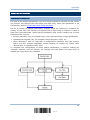
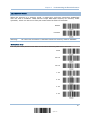
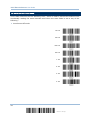
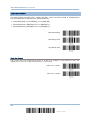
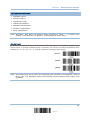
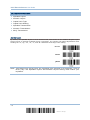
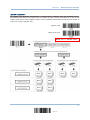
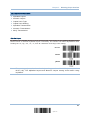
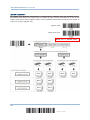
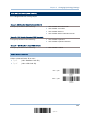
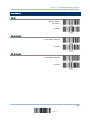
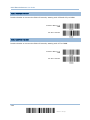
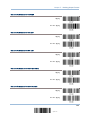
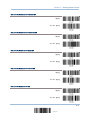
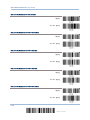
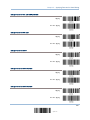
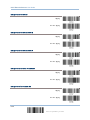
It is categorized into three groups:
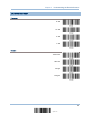
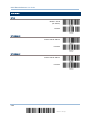
Group I — GS1 DataBar Omnidirectional (RSS-14)
This group consists of the following:
GS1 DataBar Omnidirectional
GS1 DataBar Expanded
GS1 DataBar Limited
GS1 DataBar Truncated
GS1 DataBar Stacked
GS1 DataBar Stacked Omnidirectional
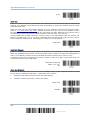
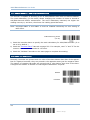
Group II — GS1 DataBar Expanded (RSS Expanded)
This group consists of the following:
GS1 DataBar Expanded Stacked
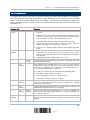
Group III — GS1 DataBar Limited (RSS Limited)
This group consists of the following:
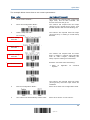
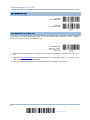
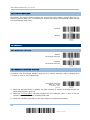
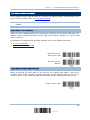
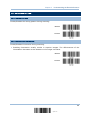
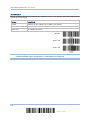
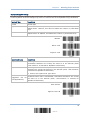
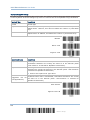
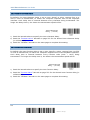
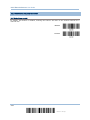
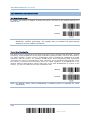
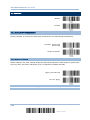
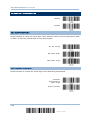
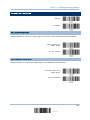
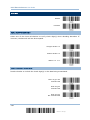
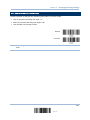
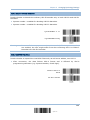
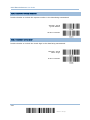
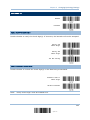
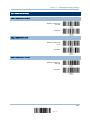
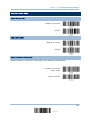
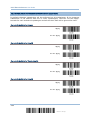
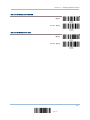
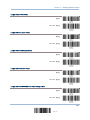
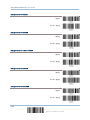
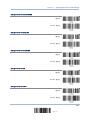
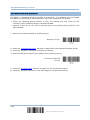
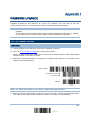
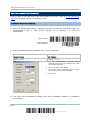
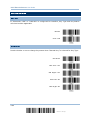
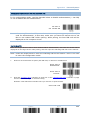
4.13.1 SELECT CODE ID
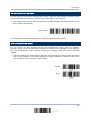
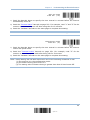
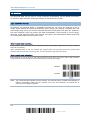
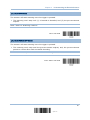
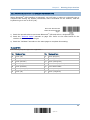
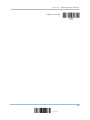
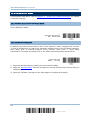
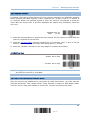
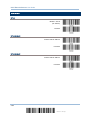
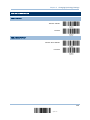
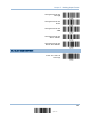
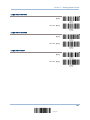
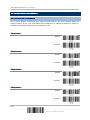
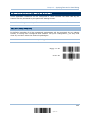
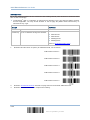
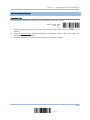
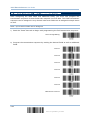
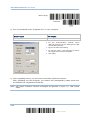
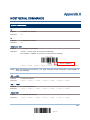
Select a desired Code ID to use:
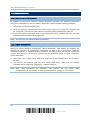
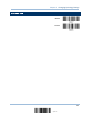
“]e0“
“]C1”
(GS1 DataBar Code ID)
(GS1-128 Code ID)
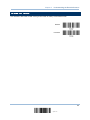
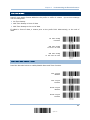
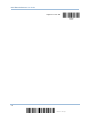
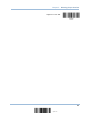
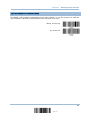
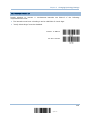
Use “]C1”
*Use “]e0”
135
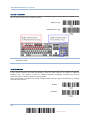
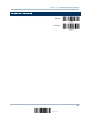
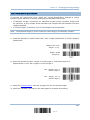
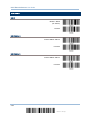
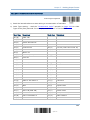
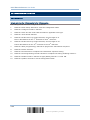
Update