1
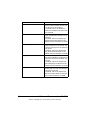
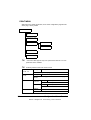
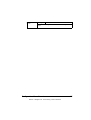
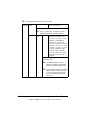
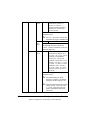
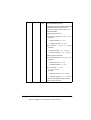
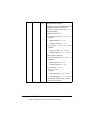
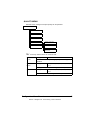
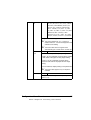
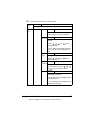
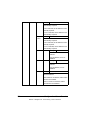
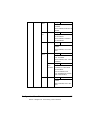
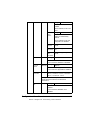
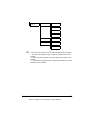
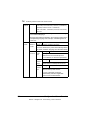
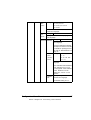
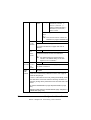
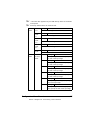
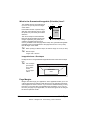
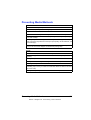
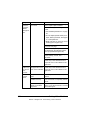
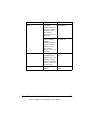
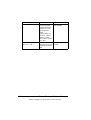
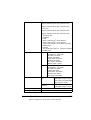
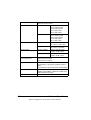
CUSTOM Specify the paper size when custom-sized paper is loaded into Tray 4. SIZE The setting units can be switched between millimeters and inches with the SYS DEFAULT MENU/PAPER/UNIT OF MEASURE setting. Setting range for WIDTH For MILLIMETERS: 98 to 216 mm (default) – North America: 216 mm – All other regions: 210 mm For INCHES: 3.87 to 8.50 inches (default) – North America: 8.50 inches – All other regions: 8.27 inches Setting range for LENGTH For MILLIMETERS: 148 to 356 mm (default) – North America: 279 mm – All other regions: 297 mm For INCHES: 5.83 to 14.00 inches (default) – North America:11.00 inches – All other regions: 11.69 inches This menu item appears only if PAPER SIZE is set to CUSTOM. Configuration Menu Overview EDNord - Istedgade 37A - 9000 Aalborg - telefon 96333500 45