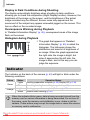
1
FUNC. Menu – Basic Operations
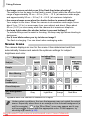
You can set commonly used functions using the FUNC. menu. The menu
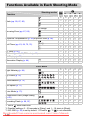
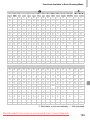
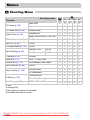
items and options differ depending on the mode (p. 148). You can also use
the FUNC. menu in Playback mode.
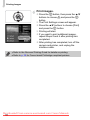
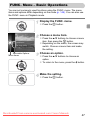
Display the FUNC. menu.
● Press the m button.
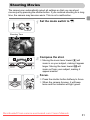
Choose a menu item.
● Press the op buttons to choose a menu
item, then press the m button.
● Depending on the menu, the screen may
switch. Choose a menu item and make
the setting.
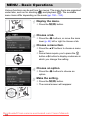
Selectable Options
Menu Items
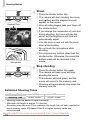
Choose an option.
● Press the op buttons to choose an
option.
● To return to the menu, press the q button.
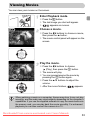
Make the setting.
● Press the m button.
Downloaded From camera-usermanual.com Canon Manuals
47