1
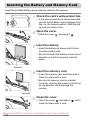
Inserting the Battery and Memory Card
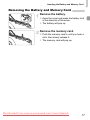
Removing the Battery and Memory Card
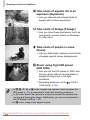
Remove the battery.
● Open the cover and press the battery lock
in the direction of the arrow.
X The battery will pop up.
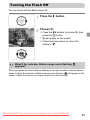
Remove the memory card.
● Push the memory card in until you hear a
click, then slowly release it.
X The memory card will pop up.
Downloaded From camera-usermanual.com Canon Manuals
17