1
EC277_CUG-E_CDP-E078.book Page 73 Monday, June 8, 2009 10:30 AM
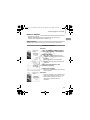
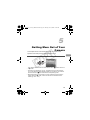
Continuous Shooting
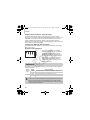
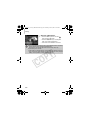
You can shoot continuously at a fixed interval (0.8 shots/sec.).
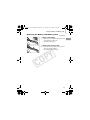
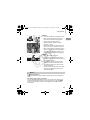
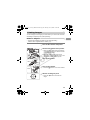
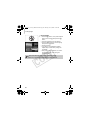
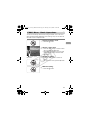
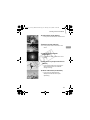
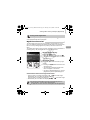
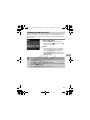
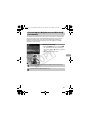
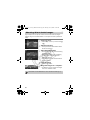
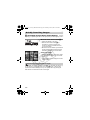
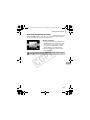
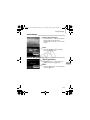
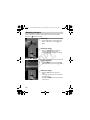
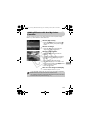
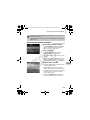
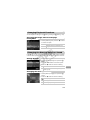
Choose a Drive mode.
● Press the m button and choose
, then
press the m button again.
● Press the op buttons to choose W, then
press the m button.
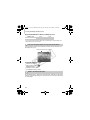
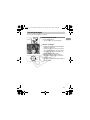
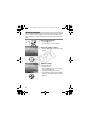
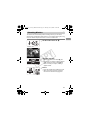
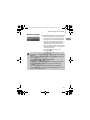
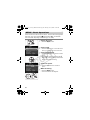
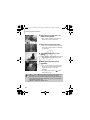
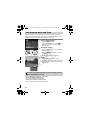
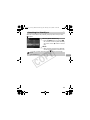
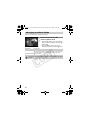
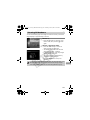
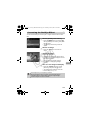
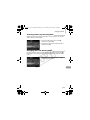
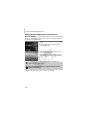
Shoot.
X As long as you hold the shutter button down,
the camera will shoot successive images.
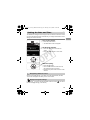
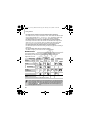
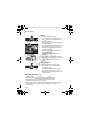
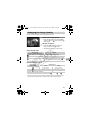
• Cannot be used with the self-timer (pp. 63, 64, 75, 76).
• For continuous shooting, the focus and exposure are locked when the
shutter button is pressed halfway.
• As the number of images increases, the shooting intervals may take
longer.
• If the flash fires, shooting intervals may take longer.
C
Y
P
O
73