1
BASIC IMAGE RECORDING
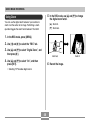
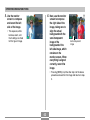
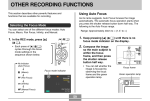
3. Compose the image
Recording an lmage
on the monitor
screen.
Your camera automatically adjusts shutter speed in
accordance with the brightness of the subject. Images you
record are stored in the camera’s built-in memory, or to a
memory card if you have one loaded in the camera.
• When an optionally available SD memory card or
MultiMediaCard (MMC) is loaded in the camera, images
are stored on the card (page 125).
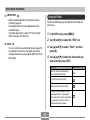
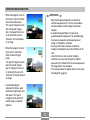
• You can compose
images using either the
monitor screen or the
optical viewfinder.
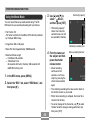
4. Press the shutter
to turn on the camera.
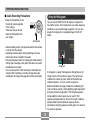
2. Align the mode
selector with “
(REC).
03/12/24
12:58
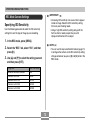
• When using the optical viewfinder, you can turn off
the monitor screen to save power (page 25).
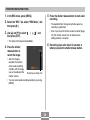
1. Press the power button
• This causes an image or
a message to appear on
the monitor screen.
12
1600 1200
NORMAL
release button to
record the image.
ON/OFF
Power button
Mode selector
Shutter release button
”
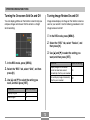
• The number of images that can be stored in memory
depends on the resolution setting you are using
(pages 52, 183).
• This enters the REC
mode for image
recording.
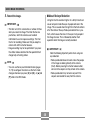
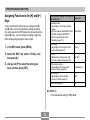
• Depending on the distance or angle between the
subject and the camera, the image you see in the
viewfinder may not be exactly the image that is
recorded.
44