1
User Manual BDH5011
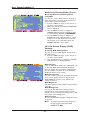
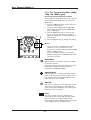
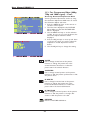
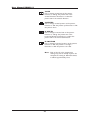
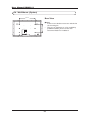
V-SIZE
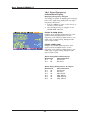
Use to change vertical size of the picture.
Increase to enlarge the picture size in the
vertical direction. Decrease to reduce the
picture size in the vertical direction.
V-CENTER
Use to change vertical position of the picture.
Increase to shift the picture up. Decrease to shift
the picture down.
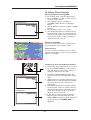
H-WIDTH
Use to change horizontal size of the picture.
Increase to enlarge the picture size in the
horizontal direction. Decrease to reduce the
picture size in the horizontal direction.
H-POSITION
Use to change horizontal position of the picture.
Increase to shift the picture to the right.
Decrease to shift the picture to the left.
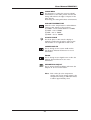
Note: Each of the (4) color temperature
settings may not be exactly equal to the
temperature setting as defined; however,
it will be approximately close.
46