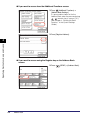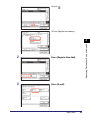
1
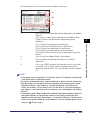
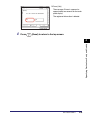
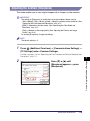
NOTE
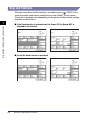
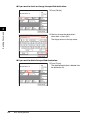
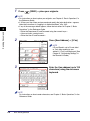
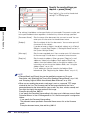
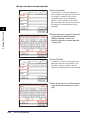
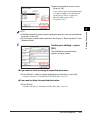
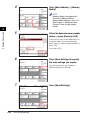
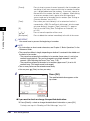
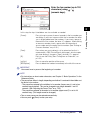
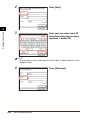
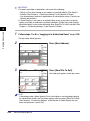
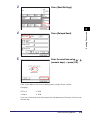
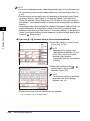
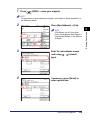
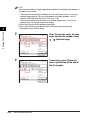
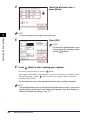
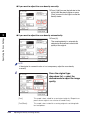
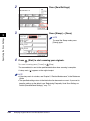
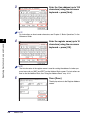
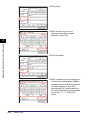
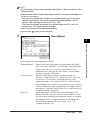
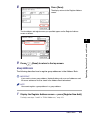
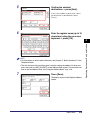
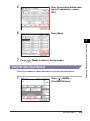
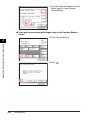
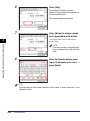
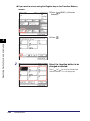
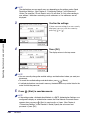
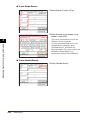
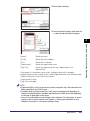
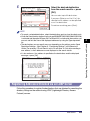
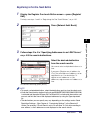
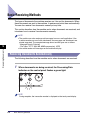
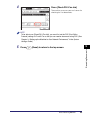
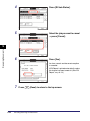
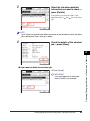
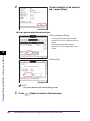
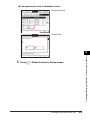
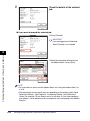
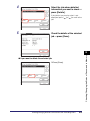
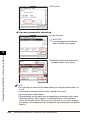
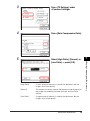
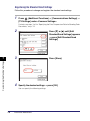
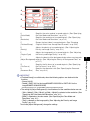
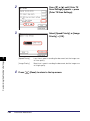
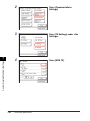
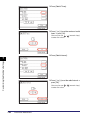
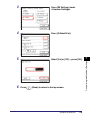
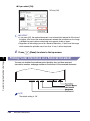
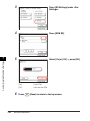
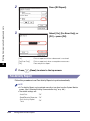
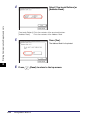
If you make a mistake when entering the send time, press
entry ➞ enter another four digit number.
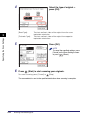
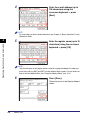
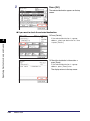
6
(Clear) to clear your
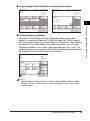
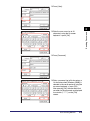
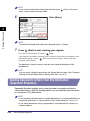
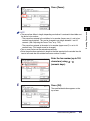
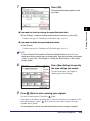
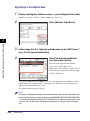
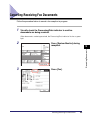
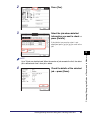
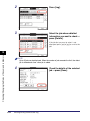
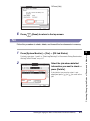
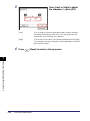
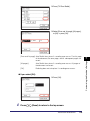
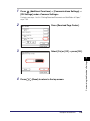
Press [Done].
Sending Documents
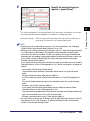
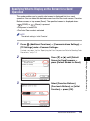
2
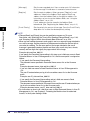
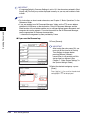
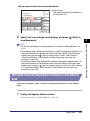
NOTE
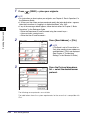
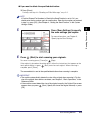
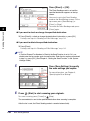
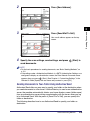
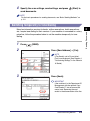
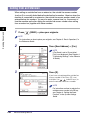
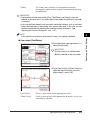
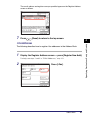
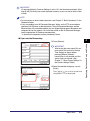
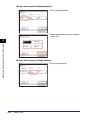
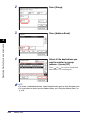
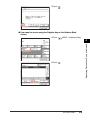
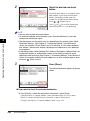
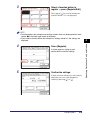
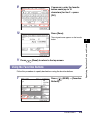
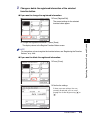
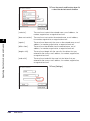
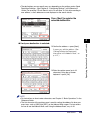
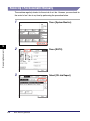
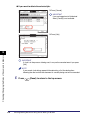
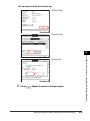
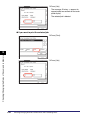
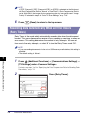
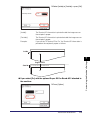
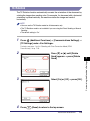
To cancel the Delayed Send mode, press [Delayed Send] ➞ [Cancel].
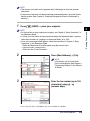
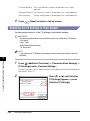
7
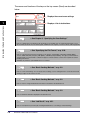
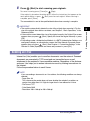
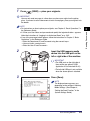
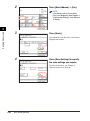
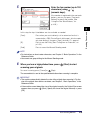
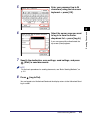
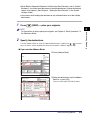
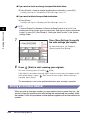
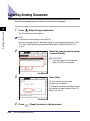
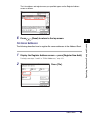
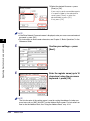
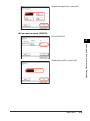
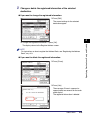
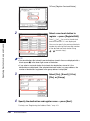
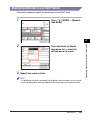
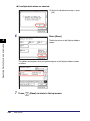
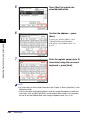
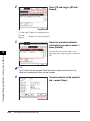
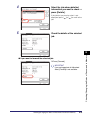
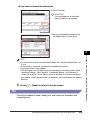
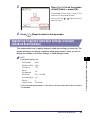
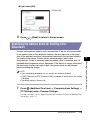
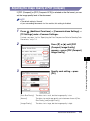
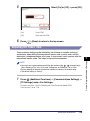
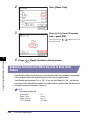
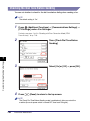
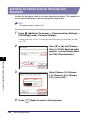
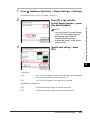
Press
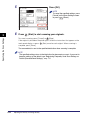
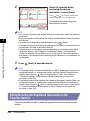
(Start) to start scanning your originals.
To cancel scanning, press [Cancel] or
(Stop).
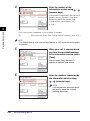
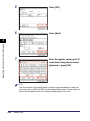
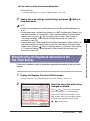
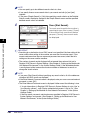
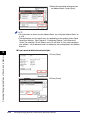
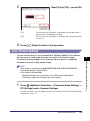
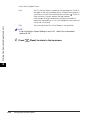
If the original is placed on the platen glass, follow the instructions that appear on the
touch panel display ➞ press
(Start) once for each original. When scanning is
complete, press [Done].
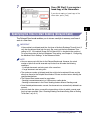
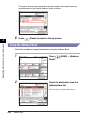
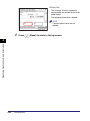
The document is stored in memory, and sent to the specified destination at the
specified time.
NOTE
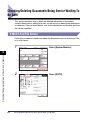
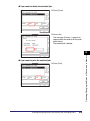
You can cancel a delayed send job from the System Monitor screen. (See “Checking/
Deleting Documents Being Sent or Waiting To Be Sent,” on p. 6-2.)
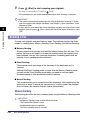
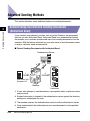
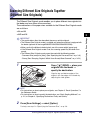
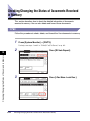
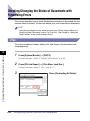
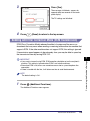
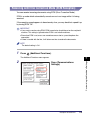
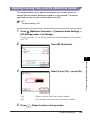
Sending Documents to More Than One Destination
(Sequential Broadcast)
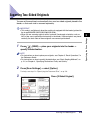
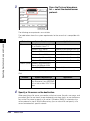
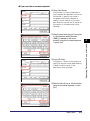
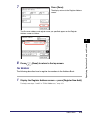
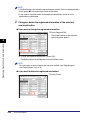
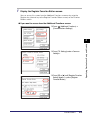
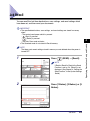
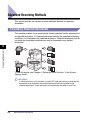
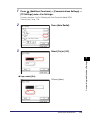
Sequential Broadcast enables you to scan documents once and send them to
several destinations. With this sending method, you can send the same document
to a maximum of 532 destinations.
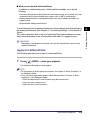
NOTE
• If you frequently send documents to multiple destinations, it is recommended that you
store those destinations as a group address. (See “Group Addresses,” on p. 4-21.)
• If you specify destinations using a group address, each destination is counted as a
separate address.
2-46
Advanced Sending Methods