1
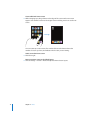
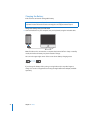
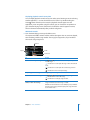
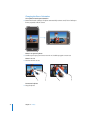
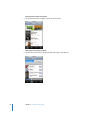
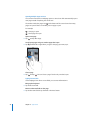
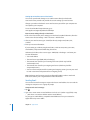
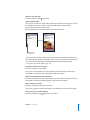
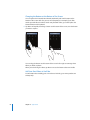
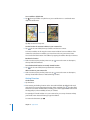
Displaying playback controls at any time
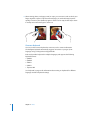
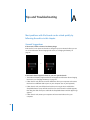
You can display playback controls at any time when you’re listening to music and using
another application—or even when iPod touch is locked—by double-clicking the
Home
button. If iPod touch is active, the playback controls appear over the
application you’re using. After using the controls, you can close them or tap Music to
go to the Now Playing screen. If iPod touch is locked, the controls appear onscreen,
then are dismissed automatically after you finish using them.
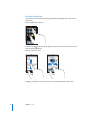
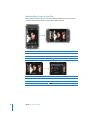
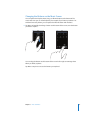
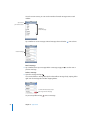
Additional Controls
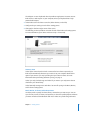
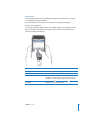
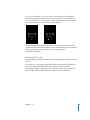
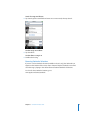
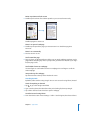
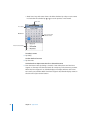
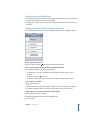
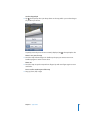
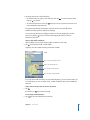
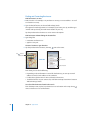
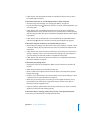
m From the Now Playing screen tap the album cover.
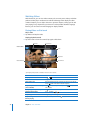
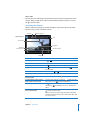
The repeat and shuffle controls and the scrubber bar appear. You can see time elapsed,
time remaining, and the song number. The song’s lyrics appear also, if you’ve added
them to the song using iTunes.
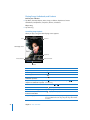
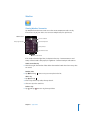
Playhead
Shuffle
Repeat
Scrubber bar
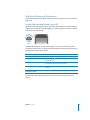
To
Do this
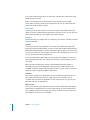
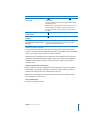
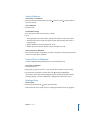
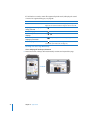
Set iPod touch to repeat songs
Tap
. Tap
again to set iPod touch to repeat only the
current song.
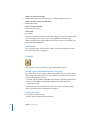
= iPod touch is set to repeat all songs in the current album
or list.
= iPod touch is set to repeat the current song over and
over.
= iPod touch is not set to repeat songs.
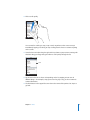
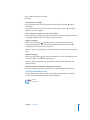
Skip to any point in a song
Drag the playhead along the scrubber bar.
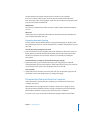
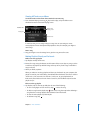
Set iPod touch to shuffle songs
Tap
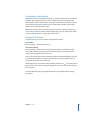
Shuffle the tracks in any playlist,
album, or other list of songs
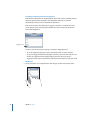
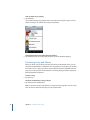
Tap Shuffle at the top of the list. For example, to shuffle all the
songs on iPod touch, choose Songs > Shuffle.
Whether or not iPod touch is set to shuffle, if you tap Shuffle at
the top of a list of songs, iPod touch plays the songs from that
list in random order.
Chapter 3 Music and Video
. Tap
again to set iPod touch to play songs in order.
= iPod touch is set to shuffle songs.
= iPod touch is set to play songs in order.
27