1
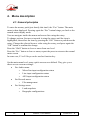
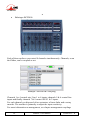
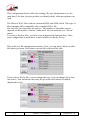
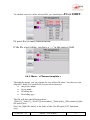
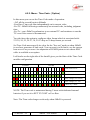
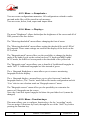
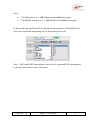
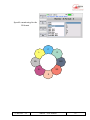
2.3.2. Configuration The « Monitor » function allows the selection of signals inside 4MINX for displaying their levels on the screen and monitoring them on headphones Just by pressing monitor key and moving the rotary, you can select the following signal sources for monitoring: Input 1 to 4, in post or in pre fader Channel couple : AES 1&2, AES 3&4 Return/Line In couple of signals Bus … Note: The selection can be affected on one of function key ( F1 to F4) by a press on it. A second bank is available by pressing the Shift You have a total of 8 monitoring presets Note: When presets are available, you should press twice the monitoring key to access to this menu. Note: press the monitoring key to swap between sources and mode. 10 4MinX - User manual 55 000 061 - K