1
•
ENGLISH
CD
MP3
DivX
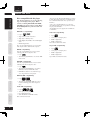
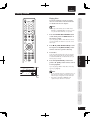
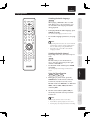
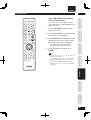
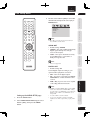
Press A-B once at the start of the section
you want to repeat, then again at the end.
Playback immediately jumps back to the start point and
plays the loop round and round.
• On a DVD disc, the start and end points of the
loop must be in the same title/chapter.
• On a Video CD/CD disc, the start and end points
of the loop must be in the same track.
To resume normal playback, press A-B
again.
Note
• There may be a slightly difference between point A
and the location where playback actually resumes
depending on the disc.
• After Repeat A-B is exited, any existing Repeat or
RANDOM modes will be restored.
Video-CD
DivX
WMA
CD
MP3
JPEG
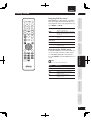
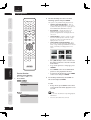
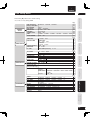
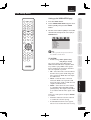
Use the random play function to play tracks
in a random order.
You can’t use random play with DVD-VR
mode or Video CD playing in PBC mode.
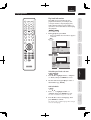
Press the RANDOM button during playback
to select a RANDOM (SHUFFLE) mode.
• SHUFFLE
• SHUFFLE REPEAT
• SHUFFLE OFF
Playing Discs
DVD-Video
Getting Started
Using the Random (SHUFFLE) Play
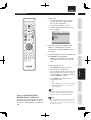
To cancel Random mode, press RANDOM.
Note
• Any existing Repeat or Repeat A-B modes will be
cancelled and RANDOM mode will be activated.
DVD Setup Menu
2
Additional
Information
1
Video-CD
Connecting Up
DVD
Control & Displays
Looping a section of a disc
Before You Start
5
Playing Discs
21