1
Connecting the Machine
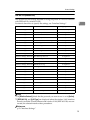
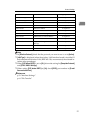
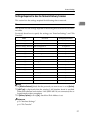
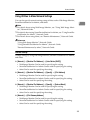
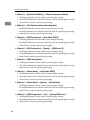
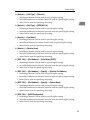
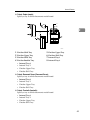
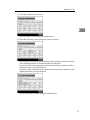
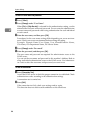
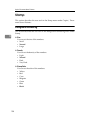
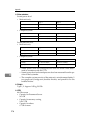
Menu
1
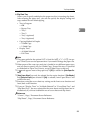
User Tool
Setting Requirements
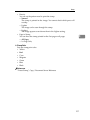
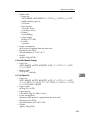
Interface Settings/Network Permit SNMPv3 Communication
As required
Interface Settings/Network Permit SSL/TLS Communication
As required
Interface Settings/Network Host Name
As required
Interface Settings/Network Machine Name
As required
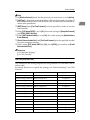
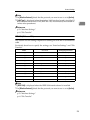
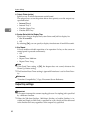
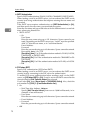
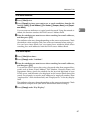
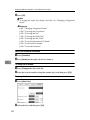
Note
❒ IPv6 can be used only for the printer function.
❒ In [Effective Protocol], check that the protocol you want to use is set to [Active].
❒ [LAN Type] is displayed when the wireless LAN board is installed. If Ethernet
and IEEE 802.11b (wireless LAN) are both connected, the selected interface
has priority.
Reference
p.58 “Interface Settings”
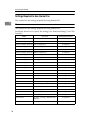
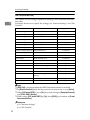
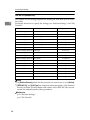
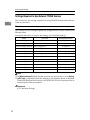
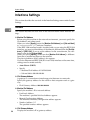
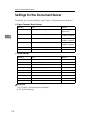
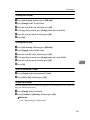
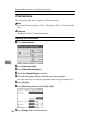
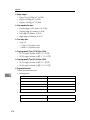
IEEE 1394 (IPv4 over 1394)
This section lists the settings required for using the printer or LAN-Fax function
with IEEE 1394 interface cable.
For details about how to specify the settings, see “Interface Settings”.
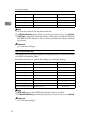
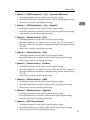
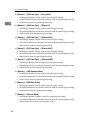
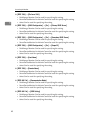
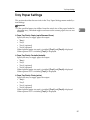
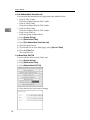
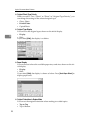
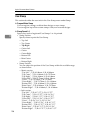
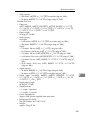
Menu
User Tool
Setting Requirements
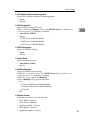
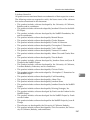
Interface Settings/IEEE 1394 IPv4 Address
Neccessary
Interface Settings/IEEE 1394 DDNS Configuration
As required
Interface Settings/IEEE 1394 Host Name
As required
Interface Settings/IEEE 1394 Domain Name
As required
Interface Settings/IEEE 1394 WINS Configuration
As required
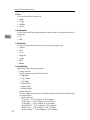
Interface Settings/IEEE 1394 IPv4 over 1394
Neccessary
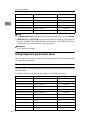
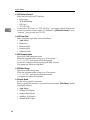
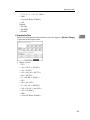
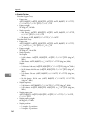
Interface Settings/Network IPv4 Gateway Address
As required
Interface Settings/Network DNS Configuration
As required
Interface Settings/Network Effective Protocol
Neccessary
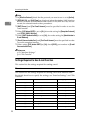
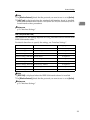
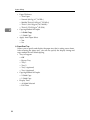
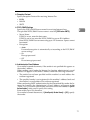
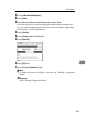
Note
❒ [IEEE 1394]appears when IEEE 1394 interface board is installed.
❒ In [Effective Protocol], check that the protocol you want to use is set to [Active].
Reference
p.58 “Interface Settings”
14